Below the place where you enter text, in the lower right, are two buttons, one looks like a desktop screen, one looks like the share symbol. The thing that looks like a share symbol is actually an upload symbol, and tapping on it will let you upload files and photos.
Sorry - bit dumb here. When you say the lower right all I see are a heart, the links icon, the three dots and the reply button. That’s after opening up a reply dialogue ….
What part of the forum are you describing ?
p.s. this editing was done on my iPad
p.p.s. I did post to @sim about this forum, - have the editing features changed as it looks like the old forum has been totally transfered onto the Discourse website/forum and there may be editing issues as a result.
@UberGoober - finally figured out what I was doing wrong with posting a link so attached the working copy of Ignatz’s dogfight - hope that works OK for you - let me know if not.
@UberGoober - just out of curiosity - what’s the resolution on your iPhone ?
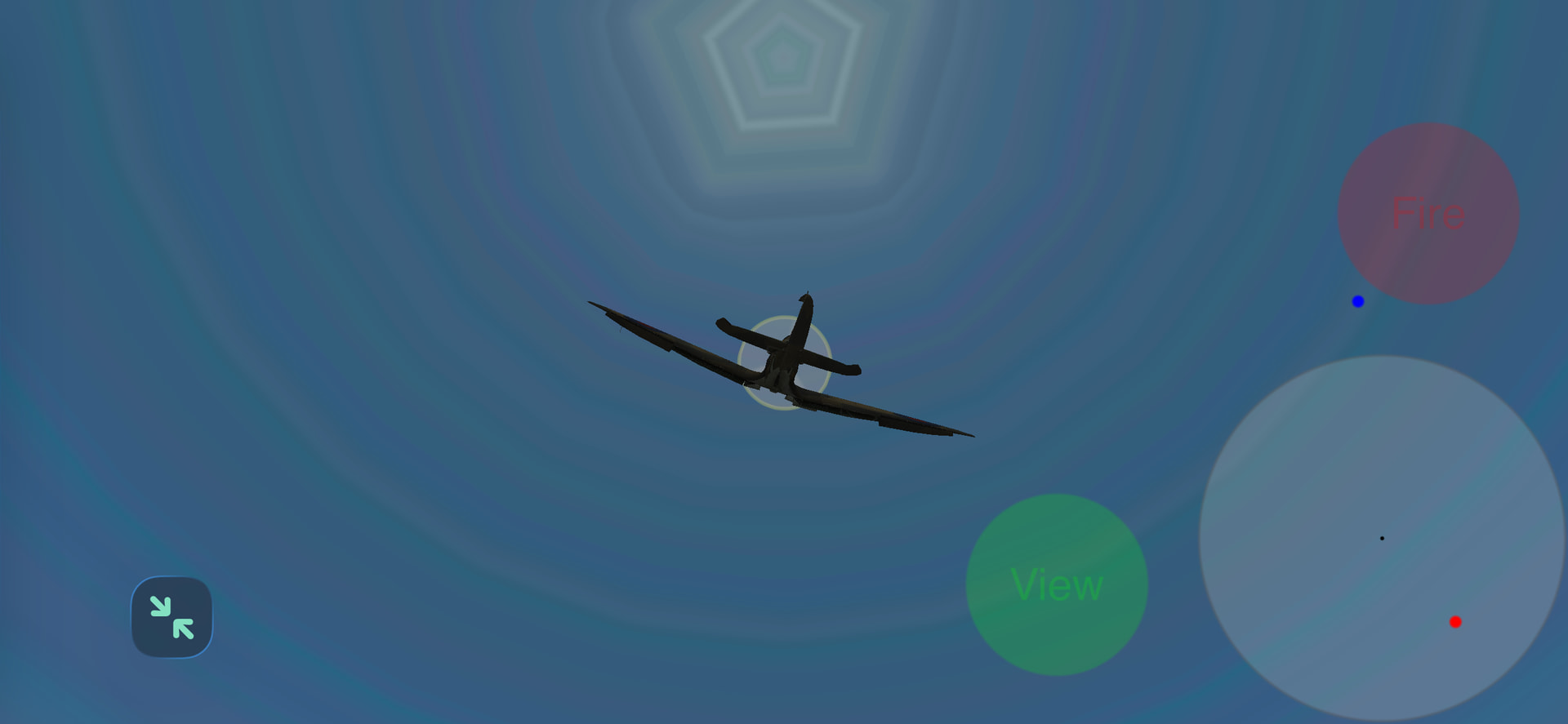
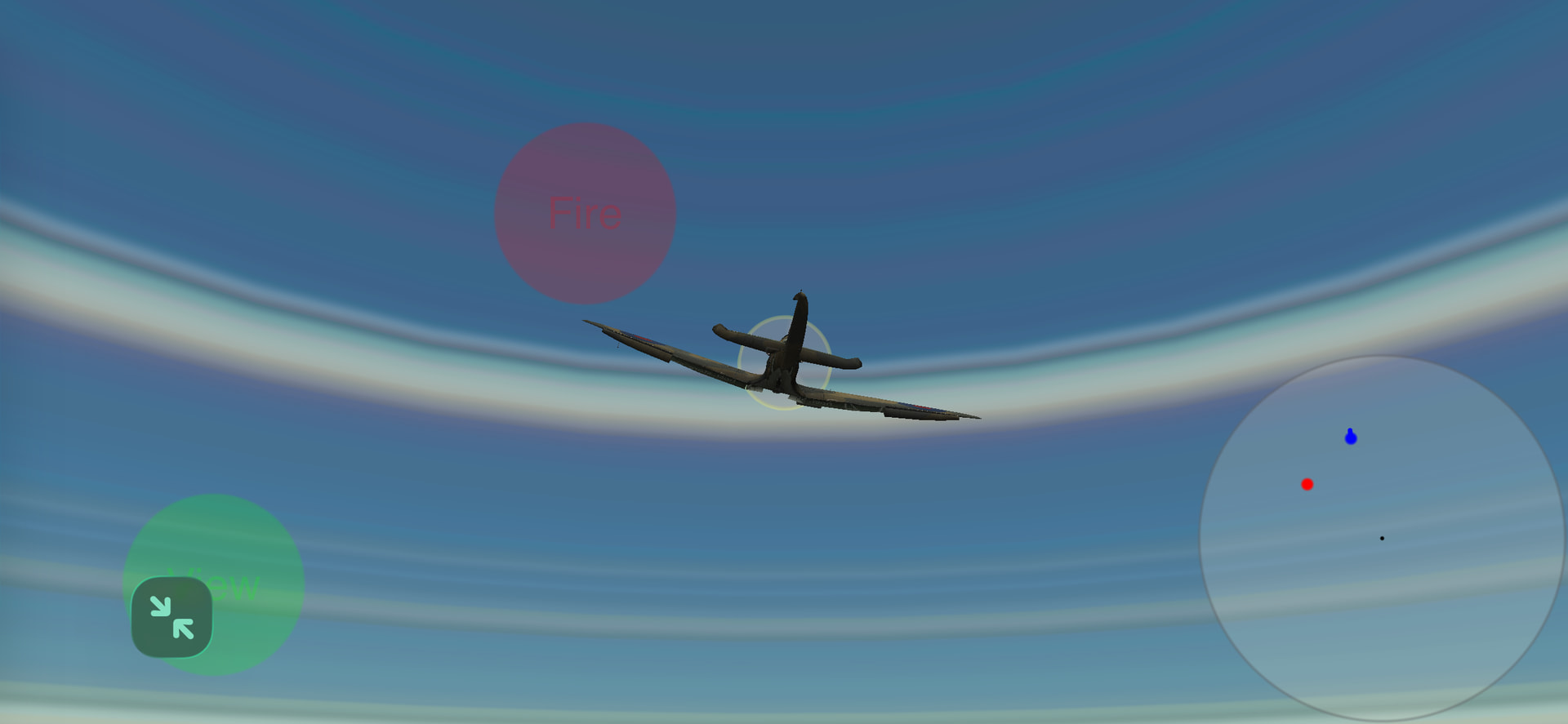
Just looking at your image you can probably identify some of the areas which exhibit change. For instance, is the circle in the bottom right corner a radar system showing relative locations and directional information ? That may give you a lead.
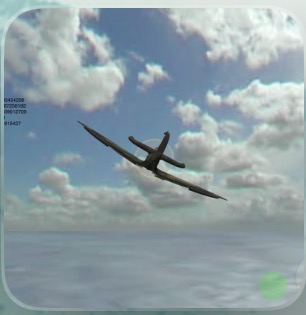
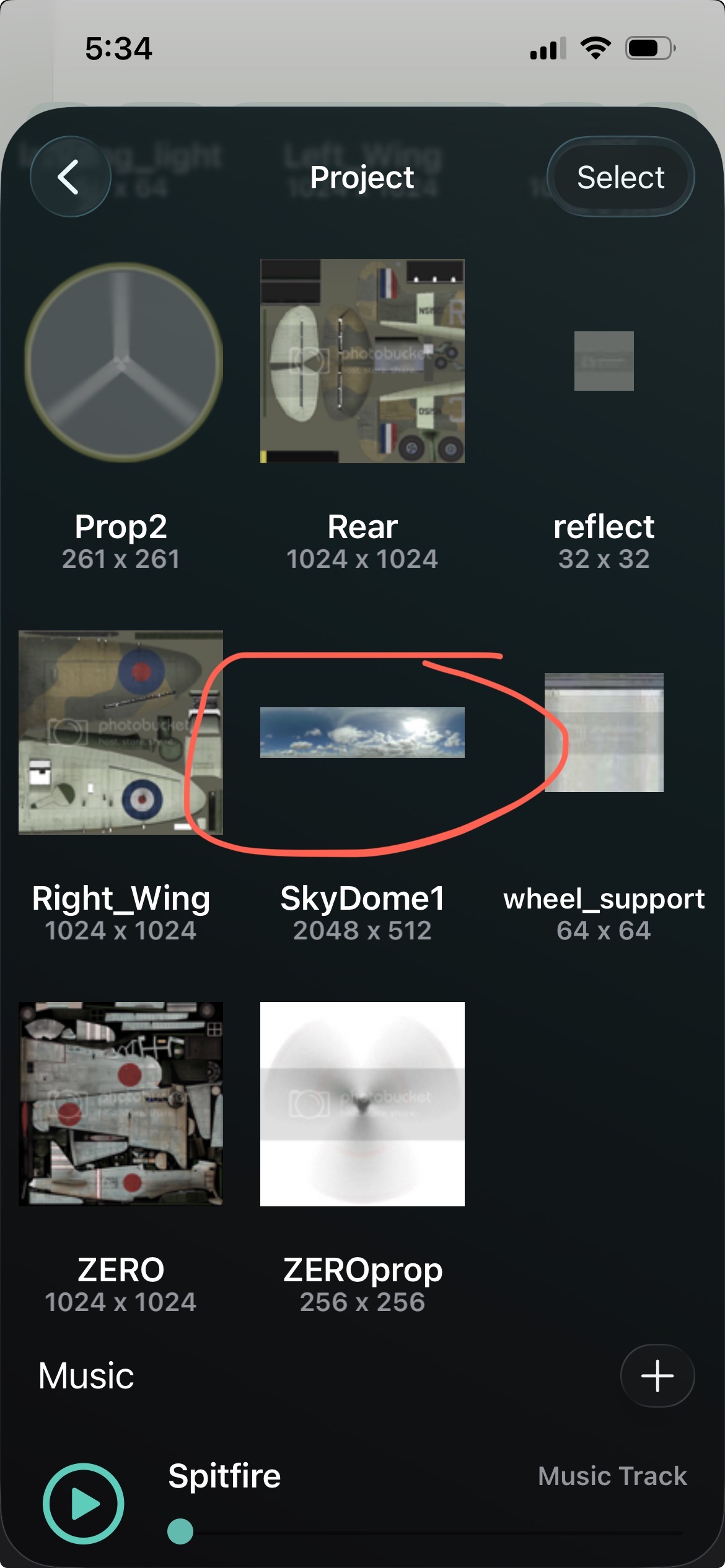
In addition the skybox doesn’t resemble the source file at all, have you checked out the image I posted in the included zipped file ?
The other coloured circles you are seeing should be obvious from the code - what feature of the code are they from ?
Those circles are just the normal UI, you know, the control buttons in the radar.
There’s nothing wrong with the asset and this is the exact same file you posted. I didn’t modify it in any way; you can go in the asset browser and see that it’s perfectly fine.
@UberGoober - don’t have an iPhone so not sure of the screen geometry or the memory allocation you have. Is it possible that Codea has expanded the image such that you are seeing a very small part of the skybox ?
What happens when you rotate the aircraft- how does the image change as it does ?
@ubergoober - if I remember rightly this particular demo uses a 2D image of the sky which it duplicates and flips vertically to get a mirror image. Not the regular sky box approach - I’ll have to check out the code again - if so that may be the reason for what you see.
It looks like it’s taking a tiny strip of the texture and stretching it around the sphere. I wonder if the texture coordinates for the default sphere are off.