Journal of a developer with ADHD

I discussed my difficulty staying on one project with Claude and it made a suggestion.

We chose three projects and set deadlines on them, with the idea being to stop at the deadlines, and move on to the next project, whether the underway projects were finished or not. The purpose is to help me focus on one thing at a time, and so far, it has definitely done that.

It hasn’t, though, helped me finish the projects.

The first one was Bestagons:
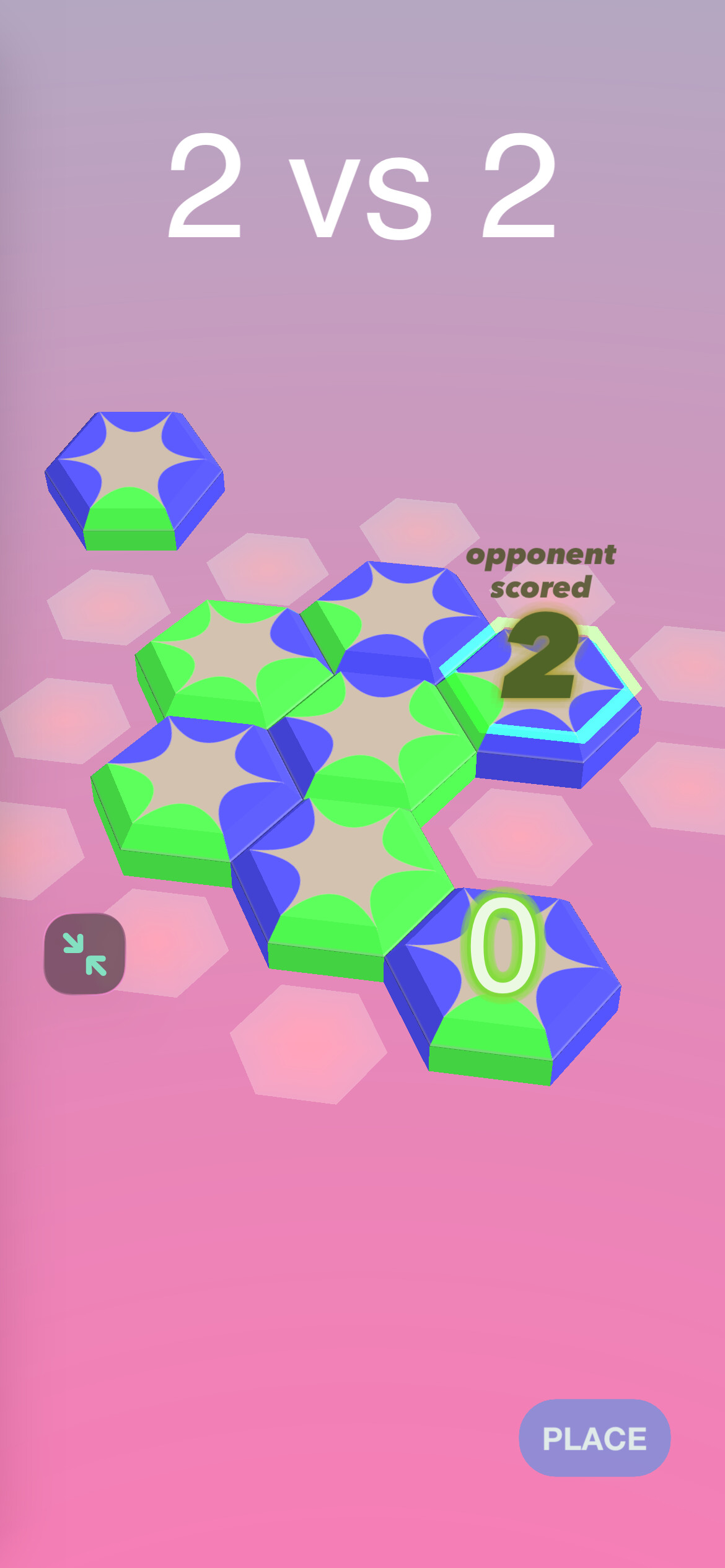
…a simple multiplayer game that was almost done when I started. I gave it a week to get finished, and ultimately failed. I got close but failed to finish. Xcode trouble.

The second was Sparts Scoresheet:
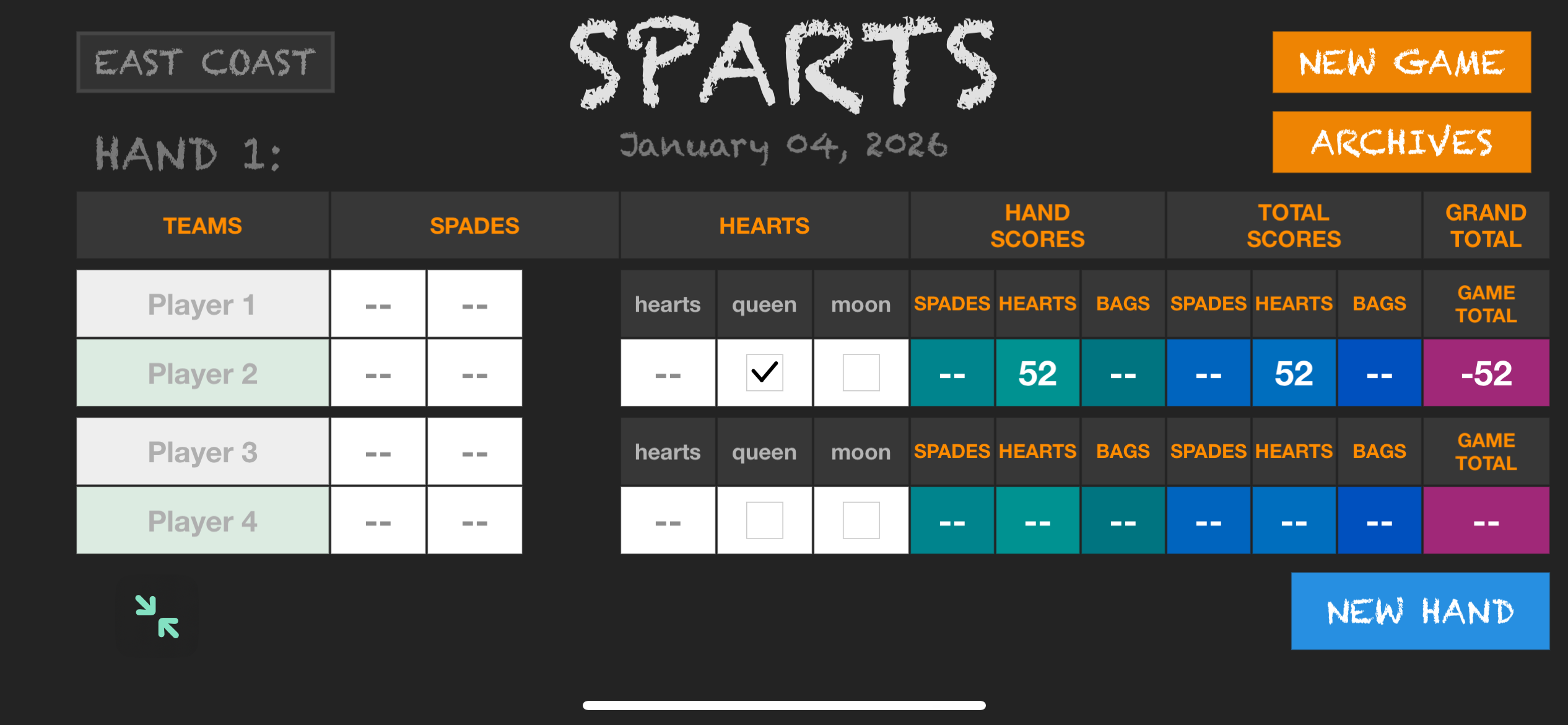
…a simple scoresheet for a card game some friends and I invented. It was also far along, I also gave it a week to get finished. I didn’t finish by the deadline again though. Close, but no cigar. Xcode trouble again mostly.

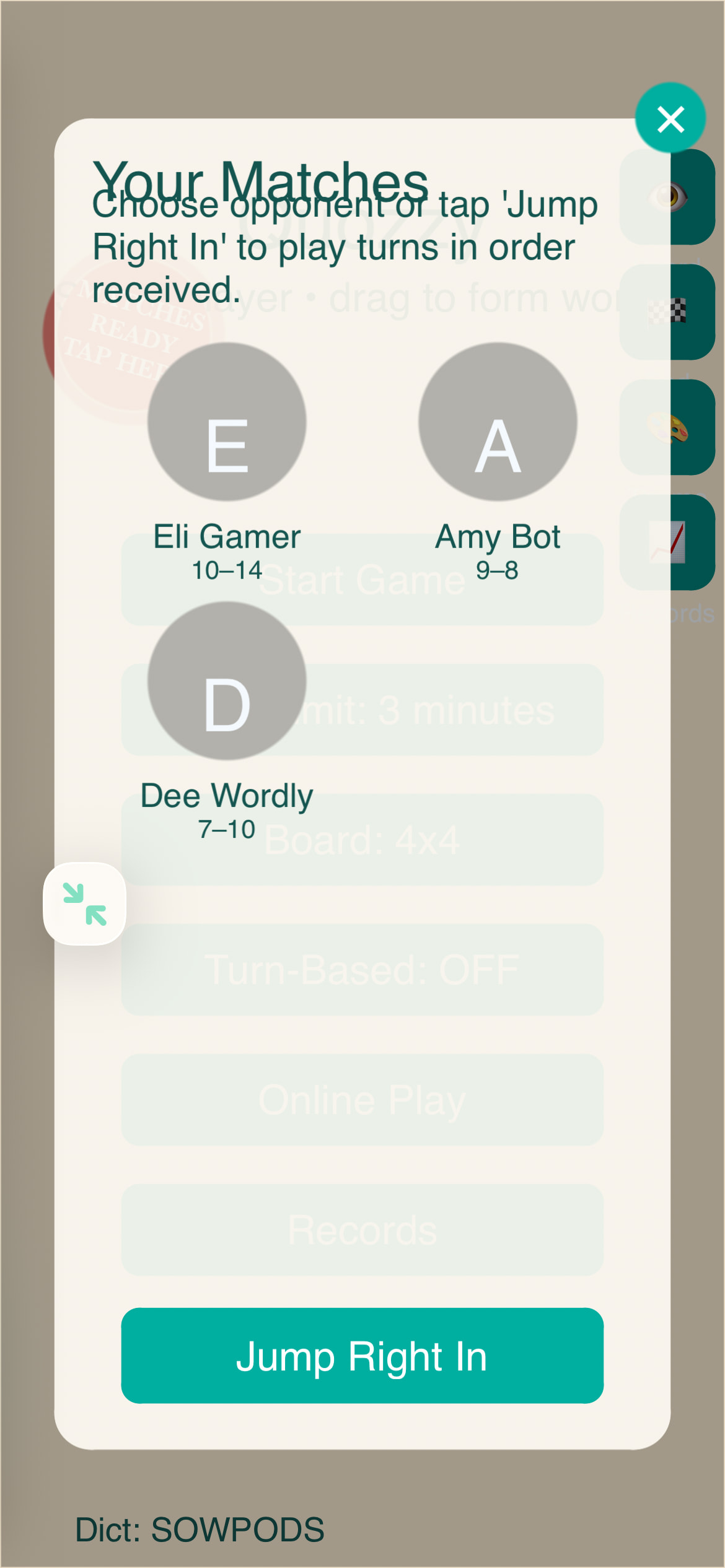
….and that brings us to the current one, Quozzy, a boggle clone with a slight customization that I hope will please my wife:
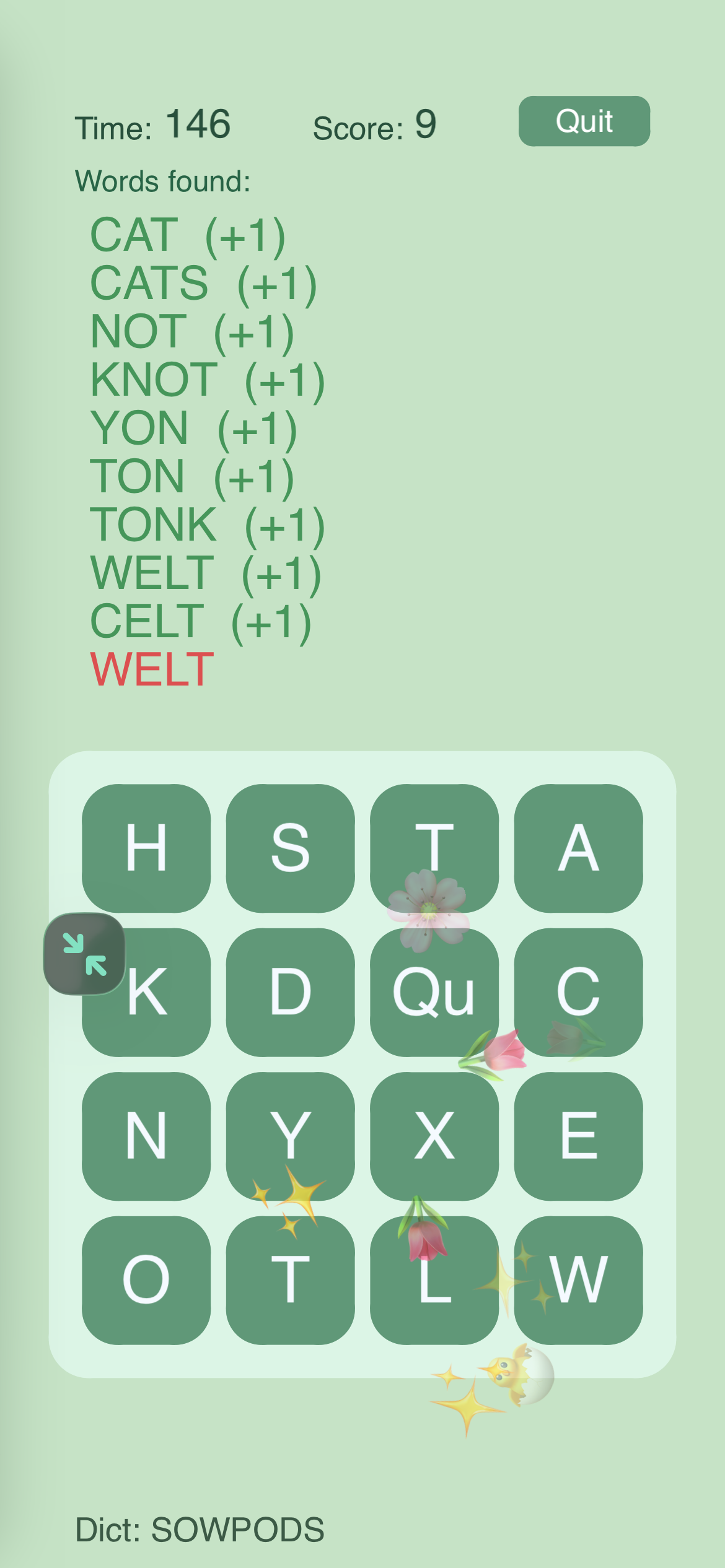
…this one is also fairly far along, but it needs more finesse to finish than the others, so I’m giving this two weeks. On the second Friday from now, it has to be done or set aside. The key thing will be, I think, to try and finish the Codea side of it with at least 3 days left to struggle with Xcode.

…this is a weird way of working, I mean, I’m still not finishing things, but I am actually way more focused. Hopefully third time is the charm. Wish me luck!
2 Likes

Okay diving in. Here’s what’s left to be done:

  • have to do something to accommodate longer words in the word lists
  • UI after a multiplayer match is a mess
  • get true multiplayer working - so far have been using a dummy Game Center mock - and apply the lessons learned in Bestagons to the multiplayer here
  • UI for accepting a multiplayer match is also a mess
  • Need a UI for browsing past games

…I think that’s it for the musts. The wish list stuff is:

  • make the particle effects clearer so it’s easier to see what the things are
  • revise the main menu to reflect the seasons concept
  • generate thumbnails of the game boards when browsing past games
  • use a different color for a rejected word when it’s rejected for being not a word vs rejected for being a word found already

Today I want to get some work done on shaping up the messy UIs:


1 Like

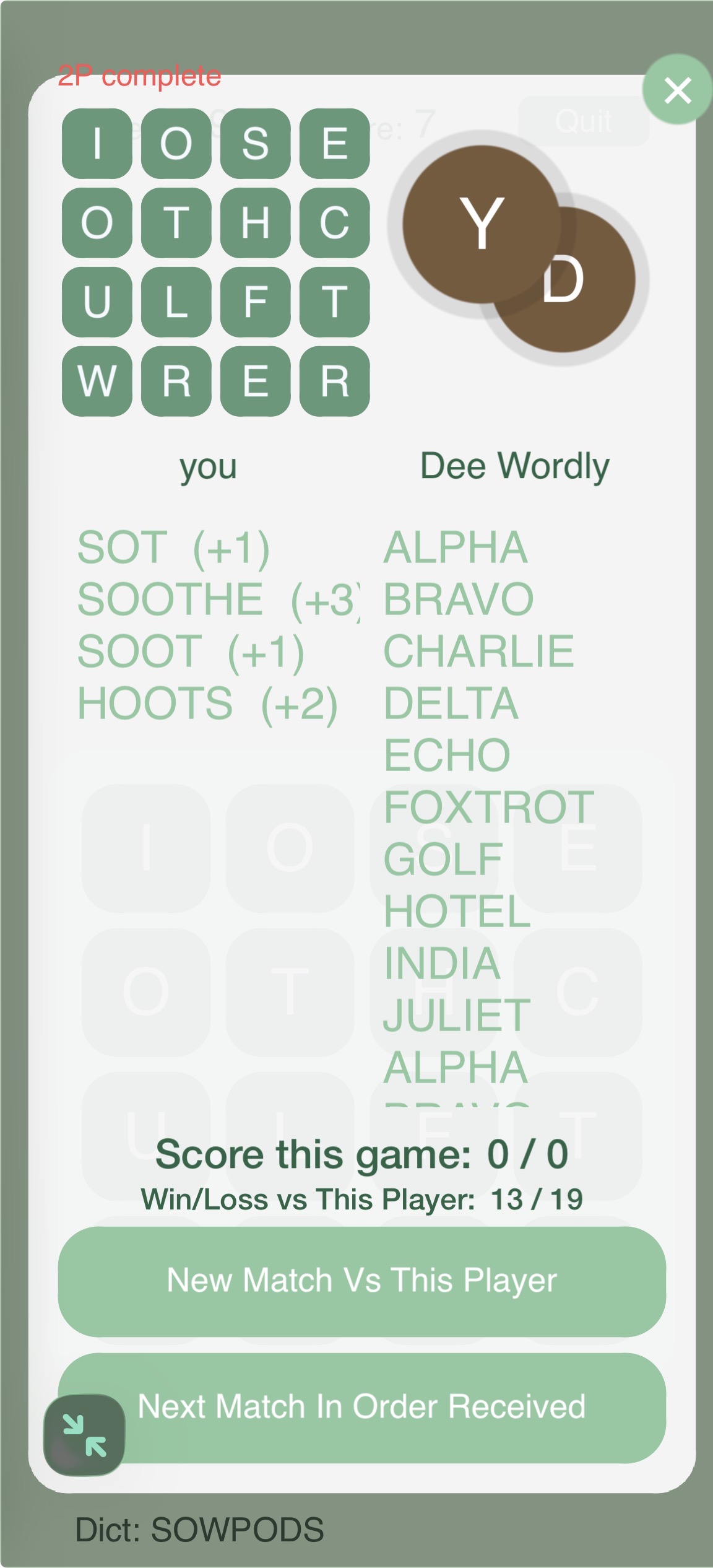
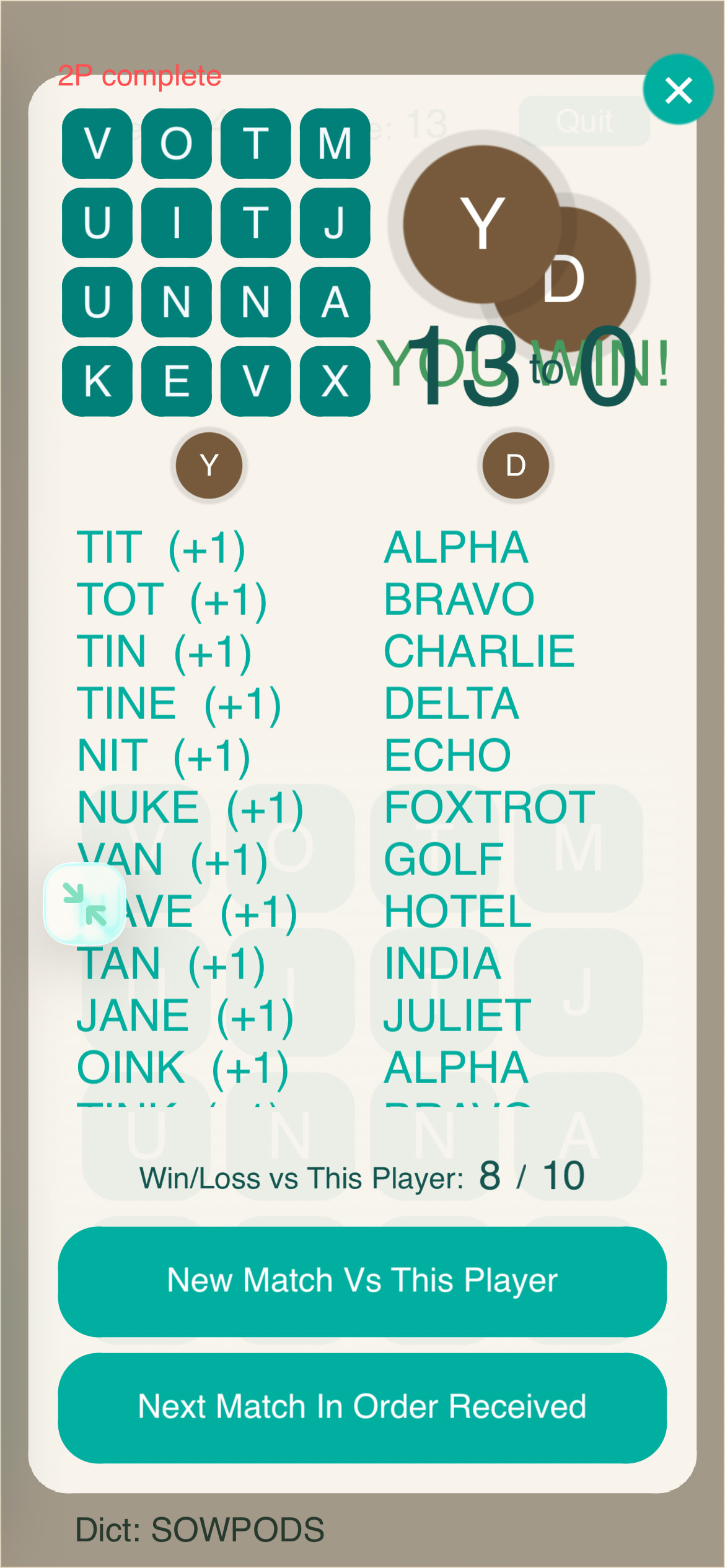
well I’m calling it a day and I fell far short of the goal, I did some clean up on the 2 player game over ui though.

I mostly have to develop on my phone because I’m a dad with kids and dogs and really I just have to grab random time here and there, like I take the dog out into the backyard and I try to get ChatGPT to fix a bug or something while I’m out. So I could do a lot better with air code and VSCode’s Codex integration, but it is what it is.

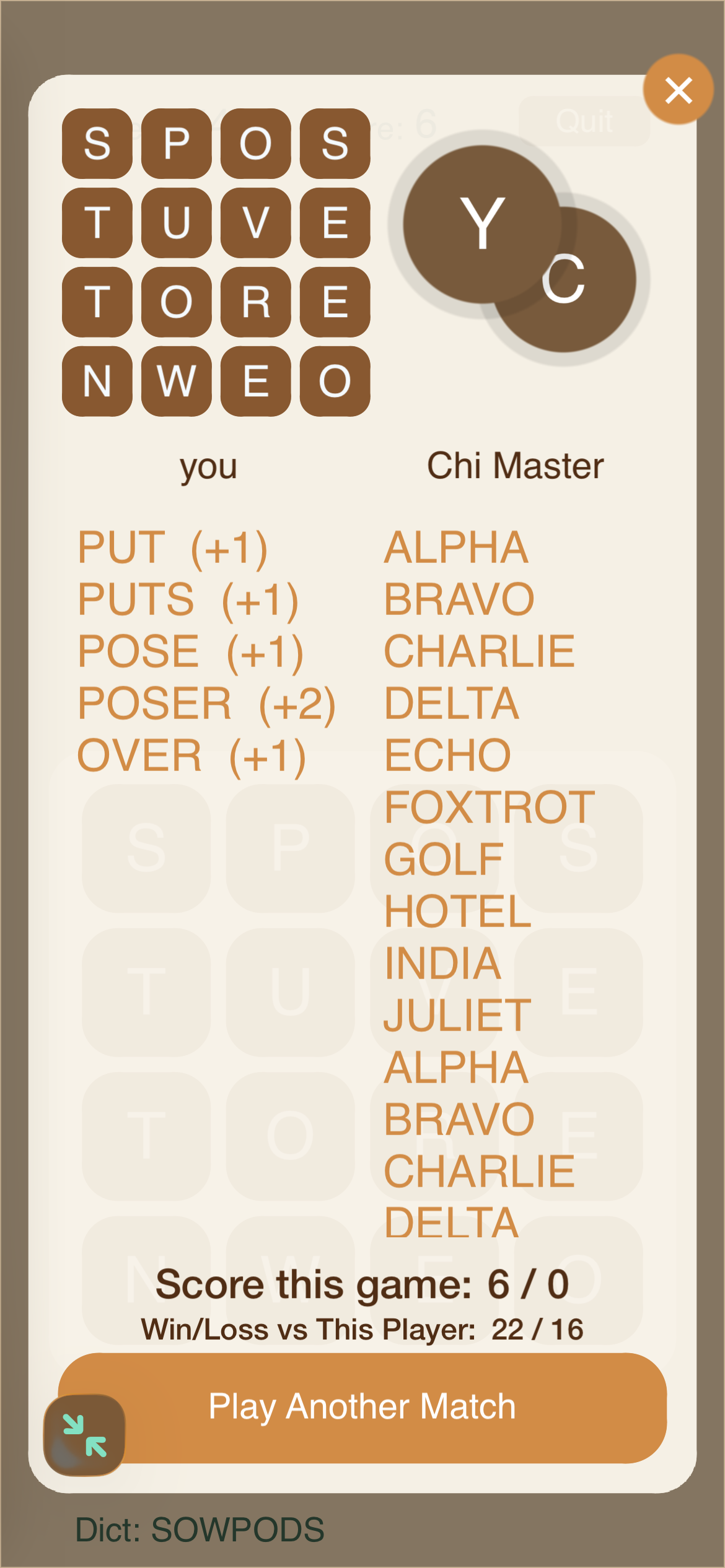
The thing is sometimes ChatGPT will hit a completely ridiculous snag. Like, see the two lines of scores at the bottom of the lists there, see those? I wanted the current game results on top, and the total games won and lost on the bottom, as you see. But that took almost all day. Because over and over and over and over I asked ChatGPT to put the current game results on top, and each time it would spit out new code and say “this one ABSOLUTELY FOR SURE does what you want”… and then it wouldn’t. It would put the win/loss totals at the top. Every time.

What I should have done after the third failure was just go in the code and switch the positions on my own. But it’s especially galling when you can’t get GPT to do something really simple. You can get in a mindset where you think, this is ridiculous, I’m sure just one more tweak to this prompt will make it give me the right thing. It’s hard to admit defeat, especially when it’s not your own defeat but ChatGPT’s.

Anyway.

The current speed bump is displaying the scores for the current game. As you can see in the image, the scores say 0-0, but the word lists directly above tell a different story.

So now that I’ve got the text in the right place, I need to get it displaying the right numbers. Hopefully I can get that and a lot more done tomorrow.

1 Like


Finished up that ui for now, compressing the two bottom buttons into one. Two might have been twice the trouble. So… removed some user choice for the sake of speed.

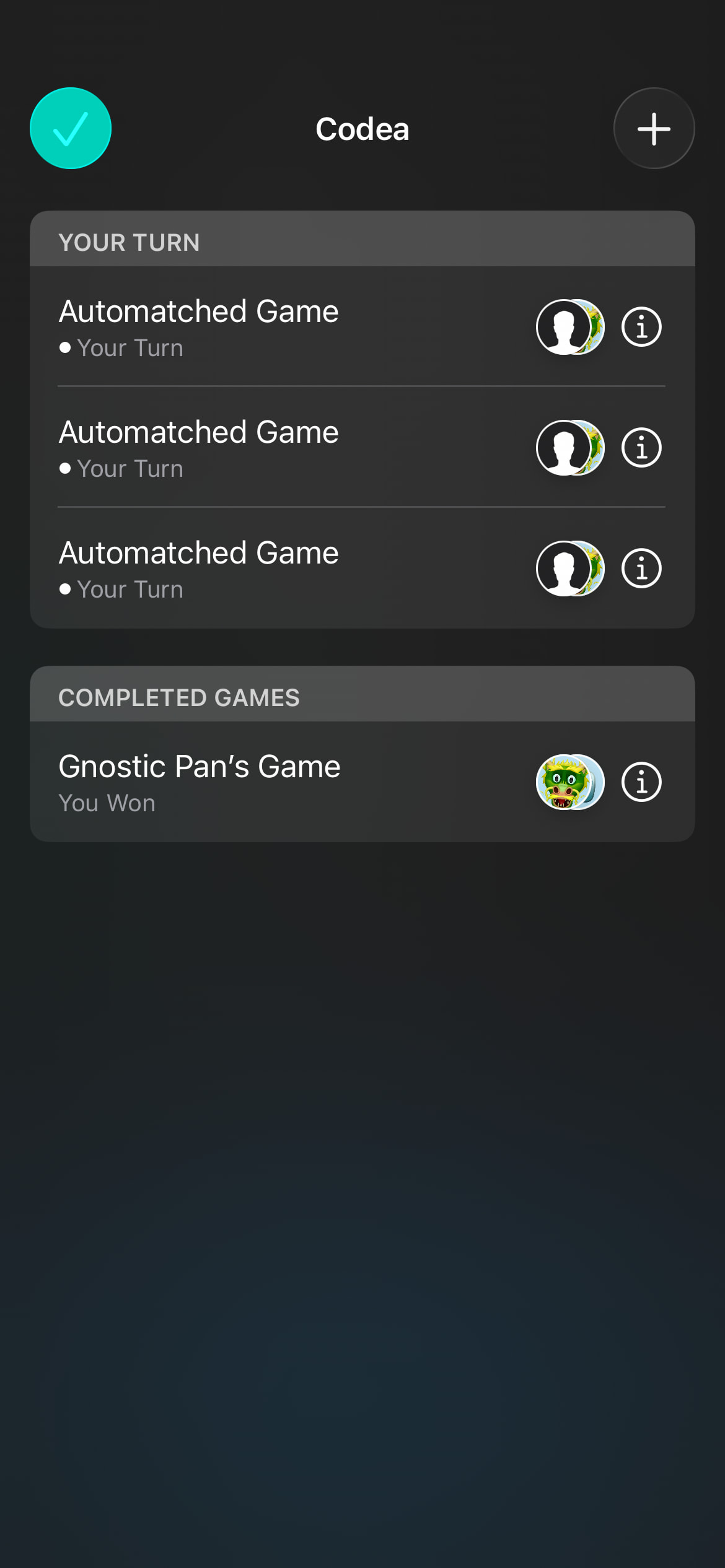
The rest of yesterday I spent rigging up the GKTurnBasedMatchmaker again.

It looks good and it’s so easy to pull up! But I have to test if it’s actually usable now that they added the iOS delegate for this UI to the objc api.

Ideally matchmaking would be done with a custom ui, but again, for speed, it would be great if I could use apple’s. So hopefully today I’ll figure that out and, whatever I find out I have to do, I’ll have started doing it.

2 Likes
  • did determine I can use the iOS matchmaking UI for now, which saves time
  • got it partially installed in the app
  • goal for today is to finish that installation
1 Like


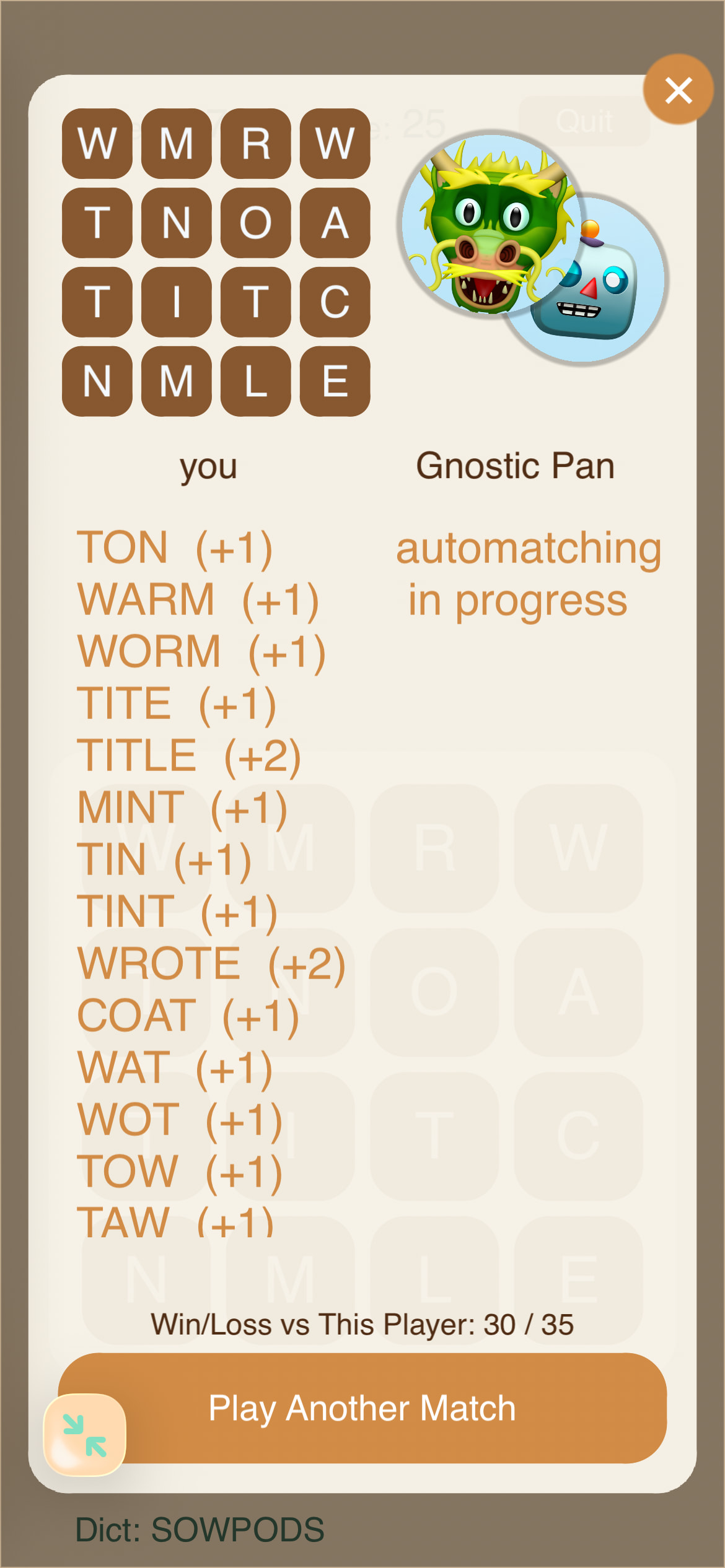
Got player avatars into the game end screen. Looks nice to me.

Also, played my first ever multiplayer game of Quozzy. :slight_smile: Started a match, played a turn, my match was sent to my other development phone, which correctly received the right board configuration and the data on the words the first player found, and played the second turn. Felt like a milestone even though game-over doesn’t quite work yet.
Really want to get into Xcode on Monday, not sure if I’ll make it.

Gotta:

  • get in-app turn notifications working again
  • make notifications of available turns NOT instantly start them
  • get the end ui correctly configured for all 1P and 2P states
  • Wire up the next game buttons on 1P and 2P
  • make Game Center match end after player 2 plays
1 Like

….and now the ADHD hits hard. I’ve spent the last three days trying to get ChatGPT to download seasonally-themed haiku because I thought it would be a nice little touch.

So yeah. That’s a speed bump.

1 Like

….annnd yeah well only just now making it out of that rabbit hole.

Here’s the result:

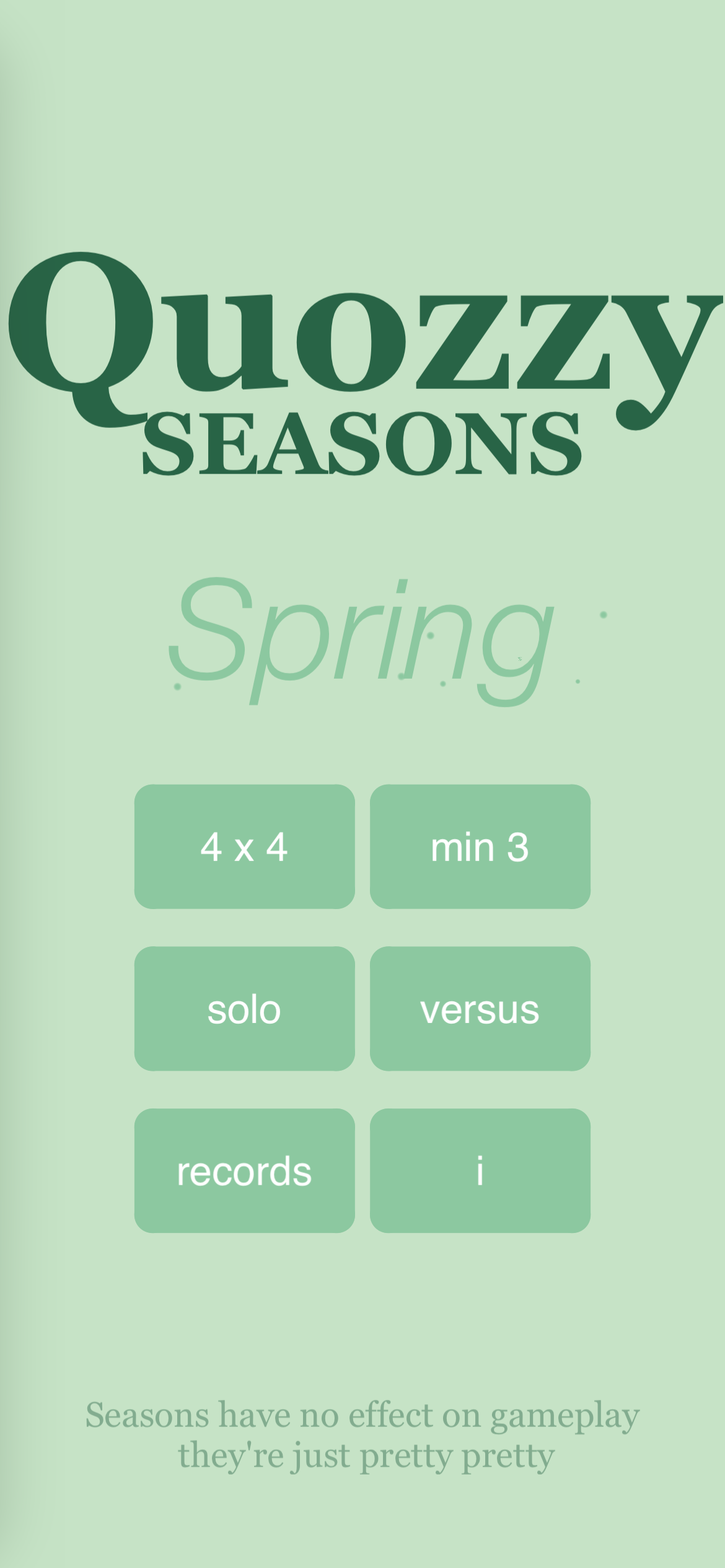
…in the app, the color scheme changes once in a while, between four seasonally-themed color sets.

…and now, if you swipe on the season name on the menu screen, it will reveal a seasonally-themed Classical Japanese haiku.

1 Like

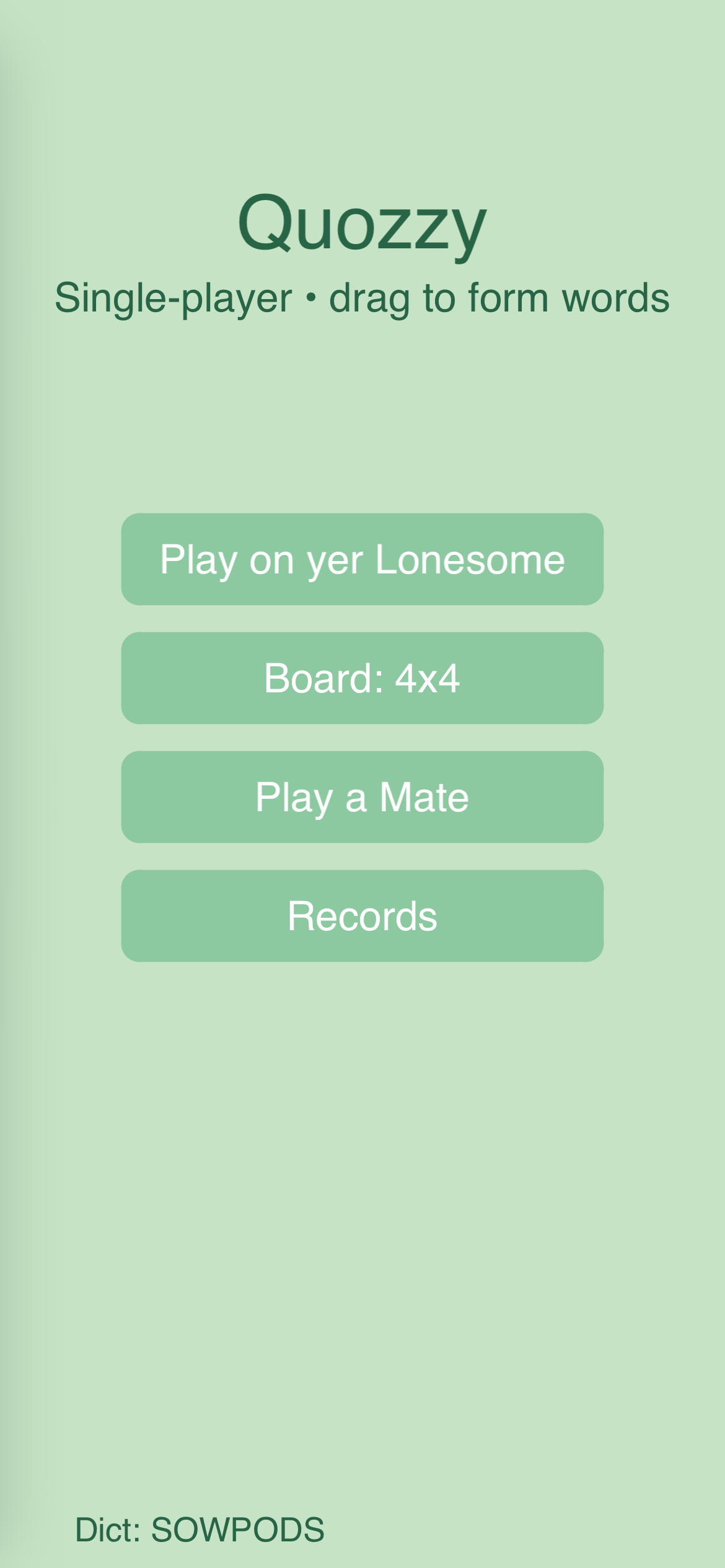
For comparison here’s how the menu screen used to look:

And here’s how it looks now (that video in the last post doesn’t seem to actually play, at least not for me):

So is it better now? Yes I think!

Was it the best use of time? No I think!

Nothing to be done! On we go.

The thing is though, I only have until Friday to get this done, and I’m still not in Xcode yet! So… crikey!!!

There are lots of things that need finishing but maybe I should just barrel into Xcode as fast as I can so that maybe I at least get something into TestFlight by the deadline.

If I was gonna do that the only thing that HAS to be done is handling the end of a match in Game Center.

Maybe I’ll just make that today’s sole focus and move into Xcode as soon as it works.

Hi @UberGoober - very neat projects there and a stretching demand you’ve placed on yourselves. I find I’m in and out of programming and have only short periods of time when I can actually build projects (a lot of external demands on my time). That, and the natural demise of countless brain cells, resulted in slower progress with my projects - so keep on pushing I like to see other developers projects and try to picture how I would approach them.

That aside, my main reason for posting is on your comment for compiling projects - I dabbled with Xcode some time ago but never managed to completely compile a finished project. Could you point me to any good tutorials/documentation that might aid me in getting at least one project compiled. I have one on the boil at the moment which I hope to produce a transferable project from so I can pass it on to my grandkids ?

There are only three things I can share to help getting an Xcode project working:

  • the exported Runtime package won’t work as is, you have to change a setting on it so that it points to the GitHub repository’s main branch instead
  • Codex in VSCode can help diagnose issues that appear in the Xcode console if you get it looking at the Xcode project
  • Ask @sim for help :wink:

Ok well.

Taking the Xcode leap.

Have had to drop a couple bits of UI sugar.

Have to just live with some probable bugs.

But gameplay is there and Game Center should be working so…

Wish me luck.

I wanted five days to do this, I have a bit under two, but I’ve been around the block with this twice before almost.

So here goes.

1 Like

Oh also SUPER important

You may have to download iOS 17 simulators.

There’s something about iOS 18 and up that doesn’t like Codea in my experience, and simulators running those OS’s will fail.

Oh also–apparently the tab order can matter in Xcode just like it matters in Codea, but info.plist doesn’t always match the tab order in the Codea project. Check info.plist and make sure the files are listed in the same order as the tabs in your project.

@UberGoober - thanks for the info, hopefully I’ll be able to try it out successfully shortly. (More likely to mess it up and pester you!!!).

Oh yeah another thing–this was extremely weird–but once Xcode just refused to ‘see’ one of my lua files. All of the code in that file returned nil when I attempted to access it from Main. And to make it work I had to literally copy the entire contents of that file into another file that it could see. That was a weird one.

Anyway–doomsday. Deadline day.

I’ve got the app running in Xcode, which took a bit of work in VSCode with Codex to accomplish, stuff I never could have figured out on my own. But the Game Center stuff isn’t working, and is in fact crashing the app. To get it to launch I have to disable it. So… that’s the current hurdle.

If I can pass it, I then have the subsequent Xcode to TestFlight hurdle, which is where I foundered the last time, I believe. So… fingers crossed. And, well, if I blow the deadline… on to the next project!

Thanks for the new update on Xcode issues, was the excluded code in a separate module where the name could have clashed ?

Just keep posting on your progress - always good to have someone with more experience than me to lean/learn on.

May be an idea to set up an Xcode thread - but seems like most users just want to run their code on their local machine.

Thanks again an good luck with your project.

Believe me, I tried everything I could, including changing file names, and things like that, and I just couldn’t get it to recognize that code.

Also I don’t know if you saw this on the Discord but this is invaluable to me in debugging lua on Xcode:

function devLog(...)
  local parts = {}
  for i = 1, select("#", ...) do
    parts[#parts + 1] = tostring(select(i, ...))
  end
  local msg = table.concat(parts, " ")
  print(msg)
  if objc and objc.log then
    msg = "🧑‍💻 " .. msg
    objc.log(msg)
  end
end

It prints the same message to the Codea console and the Xcode console.