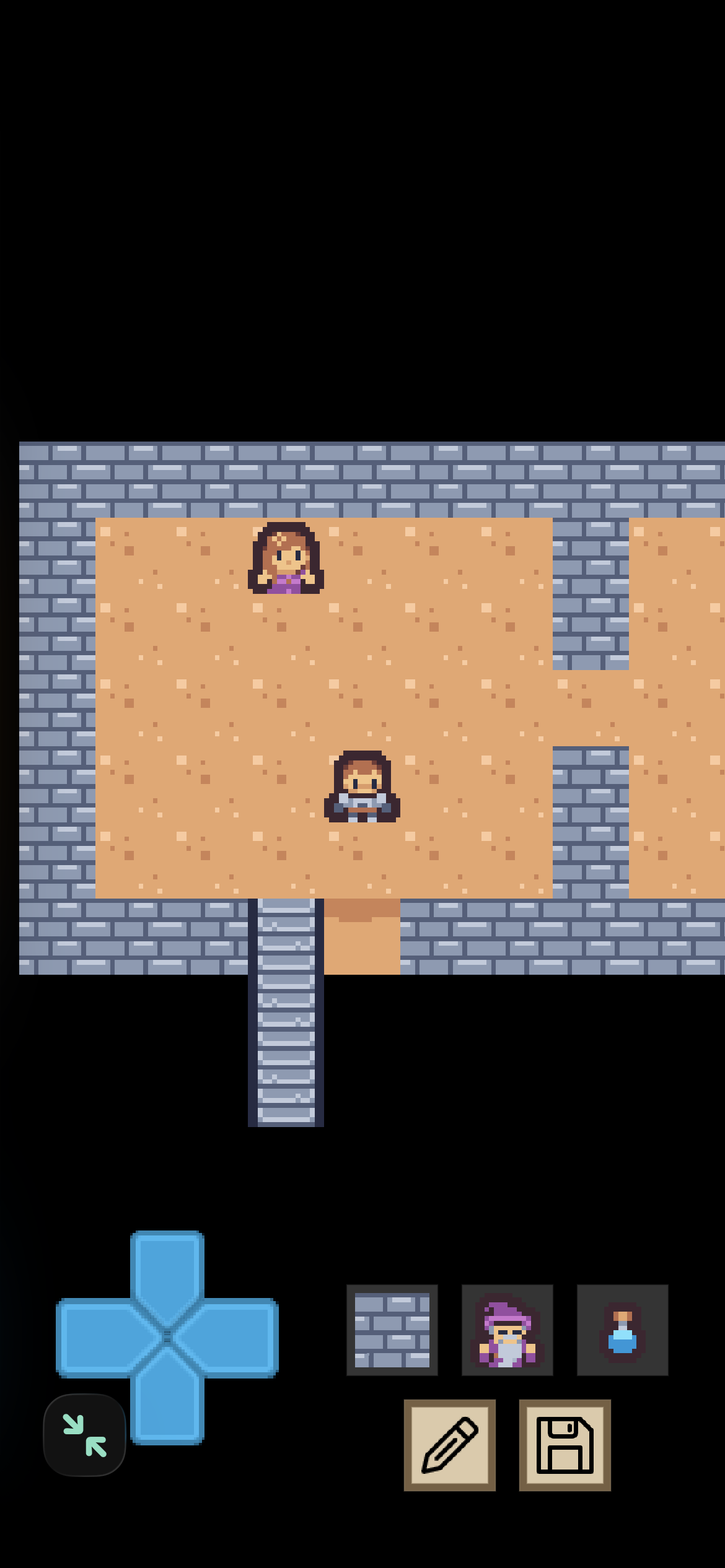
Mini RPG Kit.zip (294.6 KB)
Unfinished
Love how this look like a mini framework for making old school RPGs like for a game boy emulator or homebrew. A point and click framework like this could also be interring I think  I always loved particularly the Monkey Island and also Broken Sword games! iPads and phones are almost the perfect medium for such games now! Codea could be a story generator then and you could add this to include RPG elements, or help with an inventory for getting to the same level of ambition of “point and click” games like these
@ubergoober - I have an interest in this as I have resources for a very large , no longer available, adventure puzzle so I will follow your progress with interest.
One note - your hero/player is offset horizontally and I think vertically so he overlaps walls and can’t pass through gaps etc. - also it may be better if you require taps to move the hero as he moves very quickly - or is that by design ?
When you say resources you mean tiles? That’s a treasure trove if you have a bunch of different tiles.
Right now I’m a little stuck trying to juggle complexity and fun. Want it to be simple but not dull. Hard.
Player tab, line 9 is move speed, I think it’s currently 5. If you wouldn’t mind, play with the number and me what speed you like best.
A suggestion I would have for juggling like this would be, simplifying the complexity is ok to be a bit dull, in fact maybe it even should be dull, boring and simple in terms of a kit. Then you can build upon the simplifying and be able to start pivoting towards fun in a careful way. If you focus too much on everything all at once it can feel like it becomes very complicated. However you don’t necessarily need to try and do everything at once. Try take a complex thing and split it up into two or more simpler things which may then say, each represent different aspects of the problem on its own. It can be tricky to work out where to make the divides though as it would be. Can take some fiddling, redesigning a few times as you find difficulties possibly sometimes.
@UberGoober - I’d use 3 or maybe even 2, but as the project becomes more complex you may need to edge it up a bit further.
@M4nw3l Um did you play this? That’s pretty much exactly what I tried to do with it.
@UberGoober - yup, I’m still playing whilst re-arranging my project storage and asset storage. How have you organised yours ? - I am setting up a remote assets source ie external drive or iCloud and a library of development versions and finished projects.
I have both local net storage, iPad storage and iCloud storage (which all need tidying up) and a network storage. But, due to my messy approach to programming sometimes I struggle to find my assets and the asset link can sometimes be quite long. An ageing brain doesn’t help !!!
How do you manage your system ?