I don’t know about the dependency changes, does that have to do with the way you can do them in text now? I haven’t been following that. I also don’t get what Moonbase is, it’s not gonna be an app like WebRepo?
Yes, you could always use ‘require’ to include dependency files but that’s the recommended way now rather than a simple entry in the project metadata. WebRepo reads that metadata to determine projects to include during upload. Parsing a project natively to identify require statements is obviously faster than doing that in Lua.
Moonbase will be more or less the same as WebRepo but in a more maintainable form. I do have a client in progress but ideally the project browser would be built into Codea instead. The server side is also much easier to use and has its own dashboard allowing easy metadata edits.
Oooooooooo in-app community project browser oooooooooo 
Zip - 1.1.4 is now available.
Description: Zip Archive Library
Author(s): @Steppers

Description:
Zip provides functions to read from and write to compressed .zip files. Note: Only DEFLATE compression is supported.
Change-notes:
- Fix crash when compressing a file of zero length.
@UberGoober That update to the zip library above should hopefully fix your upload issues 
I’ve tested it with the tilt carousel and haiku projects so far and both now succeed. I’ve obviously left actual submissions to you so you can add descriptions.
Let me know if you have any other issues with WebRepo. In the meantime, I’m now making some more progress on Moonbase.
Cheers!
Moonbase - 0.0.3 is now available.
Description: Moonbase - Pre Alpha
Author(s): @Steppers

Description:
Pre-alpha version of the new Moonbase client. This is a work in progress project.
Most features are currently missing and/or not working.
Change-notes:
- Add ‘install’ button to 20 latest projects allowing for download and install.
I feel a little silly having said this because that’s what WebRepo already is lol
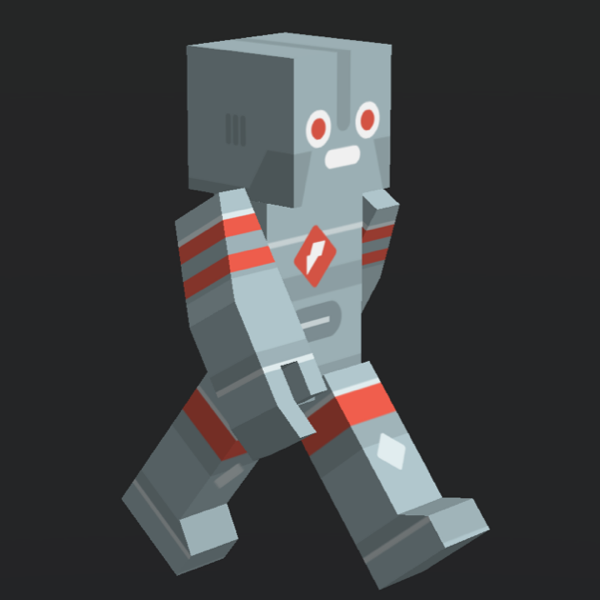
Blocky Animateable - 1.0.0 is now available.
Description: Poseable BlockyCharacter model
Author(s): @UberGoober
Description:
The default blocky characters can’t move their arms and legs. With this project they can!
Change-notes:
- Initial Release
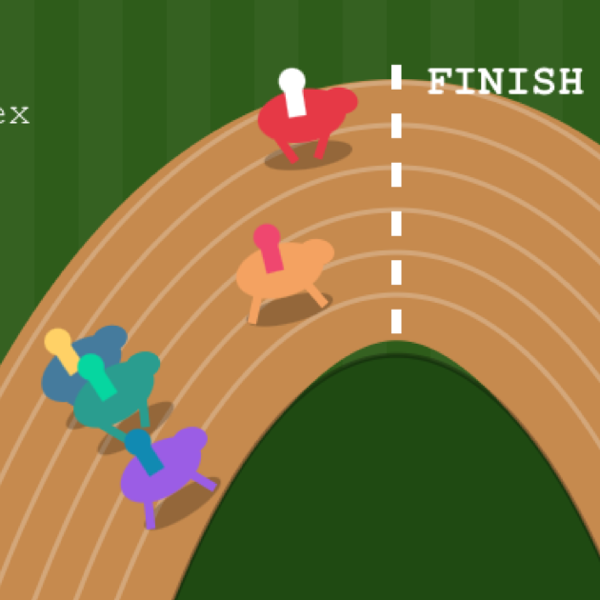
Artifact Runner - 1.0.0 is now available.
Description: Run real Claude artifacts!
Author(s): @UberGoober
Description:
Claude artifacts are great! Now you can import them to Codea. It’s even possible to have Codea functions interact with them (not demonstrated here though—ask Claude how to do it  )
)
Change-notes:
- Initial Release
Artifact Runner - 1.1 is now available.
Description: Run real Claude artifacts!
Author(s): @UberGoober
Description:
Claude artifacts are great! Now you can import them to Codea. It’s even possible to have Codea functions interact with them (not demonstrated here though—ask Claude how to do it )
Change-notes:
- now accepts onLoad parameters, functions to be run asynchronously when the site loads
Artifact Runner - 1.2 is now available.
Description: Run real Claude artifacts!
Author(s): @UberGoober
Description:
Claude artifacts are great! Now you can import them to Codea. It’s even possible to have Codea functions interact with them (not demonstrated here though—ask Claude how to do it )
Change-notes:
- now has didFailNavigation handling
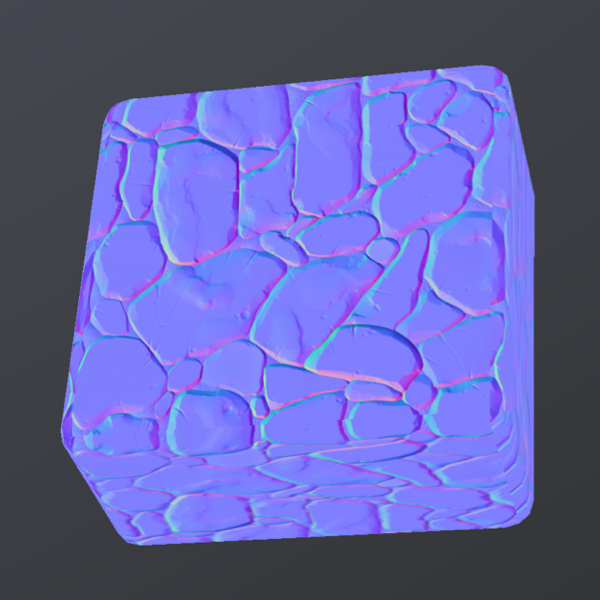
FullOrbitViewer - 1.2 is now available.
Description: More flexible OrbitViewer
Author(s): @UberGoober @John Millard
Description:
The standard orbit viewer clamps vertical rotation to 180 degrees for various reasons, and the end result is that you can’t move infinitely in every direction. Well now with FullOrbitViewer you can. Built off of OrbitViewer, it initializes the exact same way, so it can be easily subbed in.
Change-notes:
- now can toggle on and off the exact same motion as OrbitViewer, including constraints, if desired
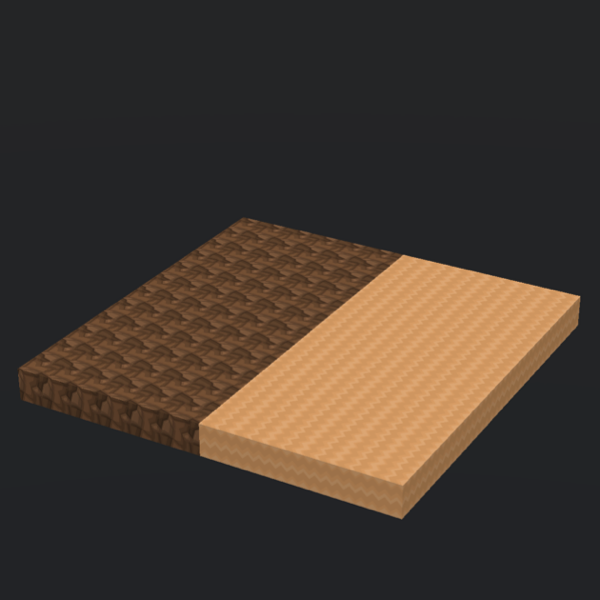
AssetInstaller - 1.0.0 is now available.
Description: Install BDCraft block textures
Author(s): @UberGoober
Description:
BDCraft makes available some nice free block textures that can give voxel projects a different look. This project will install them in your documents folder for you, and also demonstrates how to use them.
Change-notes:
- Initial Release
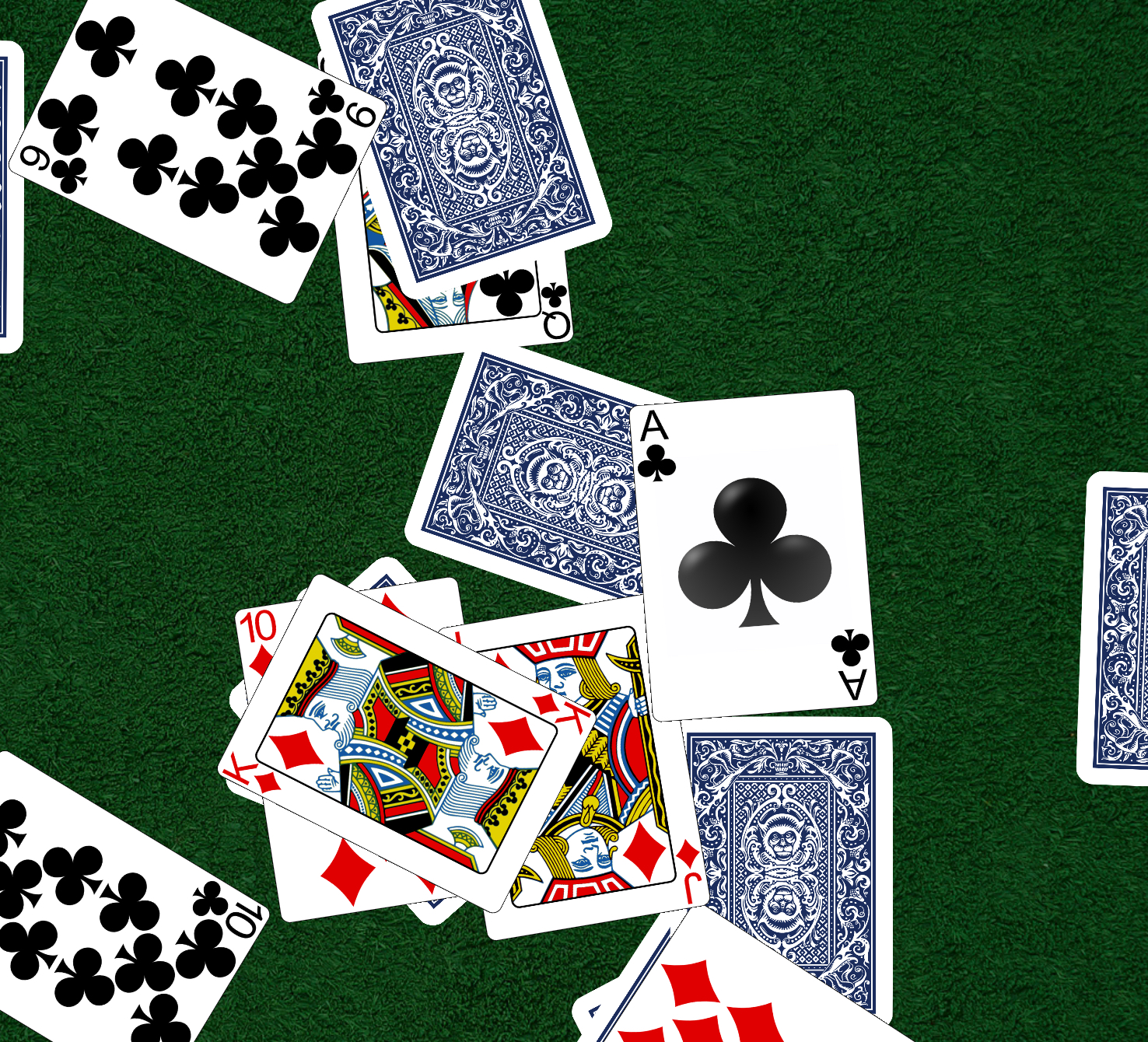
Card Table - 1.0.0 is now available.
Description: Versatile card table simulation
Author(s): @UberGoober
Description:
This simulates the physics of cards on a table. You can shuffle all the cards by shaking a stack of cards diagonally. You can pick up scattered cards by drawing a circle around them. You can put cards in and take cards out of shelves on each of the four sides of the screen.
Change-notes:
- Initial Release
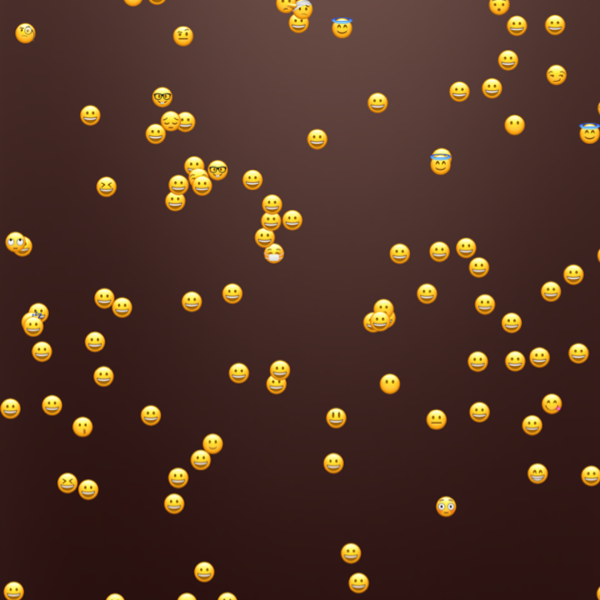
eMotes - 1.0.0 is now available.
Description: Lazily floating tappable emoji
Author(s): @UberGoober
Description:
Little emoji that float around and can be zoomed and tapped.
Change-notes:
- Initial Release
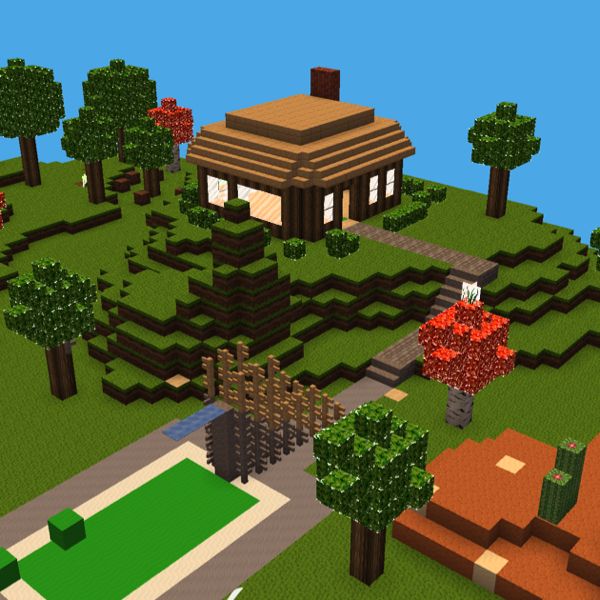
VoxelWorlds - 1.0.0 is now available.
Description: Water, minecarts, goo, more!
Author(s): @John Millard @UberGoober
Description:
Like Voxel Player but with much much more. Water that looks different when you’re in it. Movement and falling slows down underwater. Real tracks that reorient when placed. Minecarts you can ride in. Day/night cycles. Bouncy goo blocks. Save/load worlds! A second texture pack. A whole separate mode, Builder Mode, for building areas quickly. Have fun and share any creations you make!
Change-notes:
- Initial Release
@Steppers a few days ago I tried to upload a project (colour wheel for Soda) , it seemed successful, but has not appeared yet. Did it go wrong?
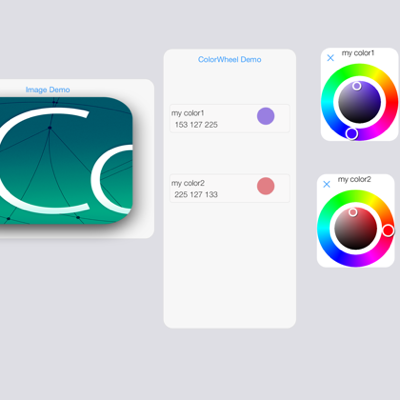
Soda ColorWheel - 1.0.0 is now available.
Description: Colour wheel for Soda
Author(s): @PiInTheSky
Description:
Adds a colour wheel selector and display image options to the Soda UI
Change-notes:
- Initial Release
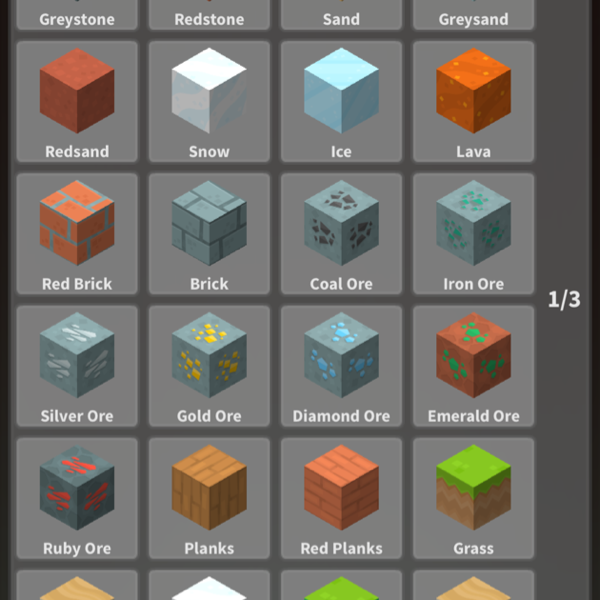
Block Inventory - 1.0.0 is now available.
Description: Two block-picking UIs
Author(s): @John Millard @UberGoober
Description:
Two block-picking UIs. One mimics the original inventory in the builtin voxel player project. The other is called megaBar and it shows all defined blocks at once as tiny previews at the bottom of the screen. Makes building quick!
Change-notes:
- Initial Release
Card Table - 1.1 is now available.
Description: Card table
Author(s): @UberGoober
Description:
Drag the cards to move them around. Cards placed on top of each other join into stacks. Drag red stack badge to drag entire stacks. Heart button in corner now activates dealing and shuffling.
Change-notes:
- Initial Release