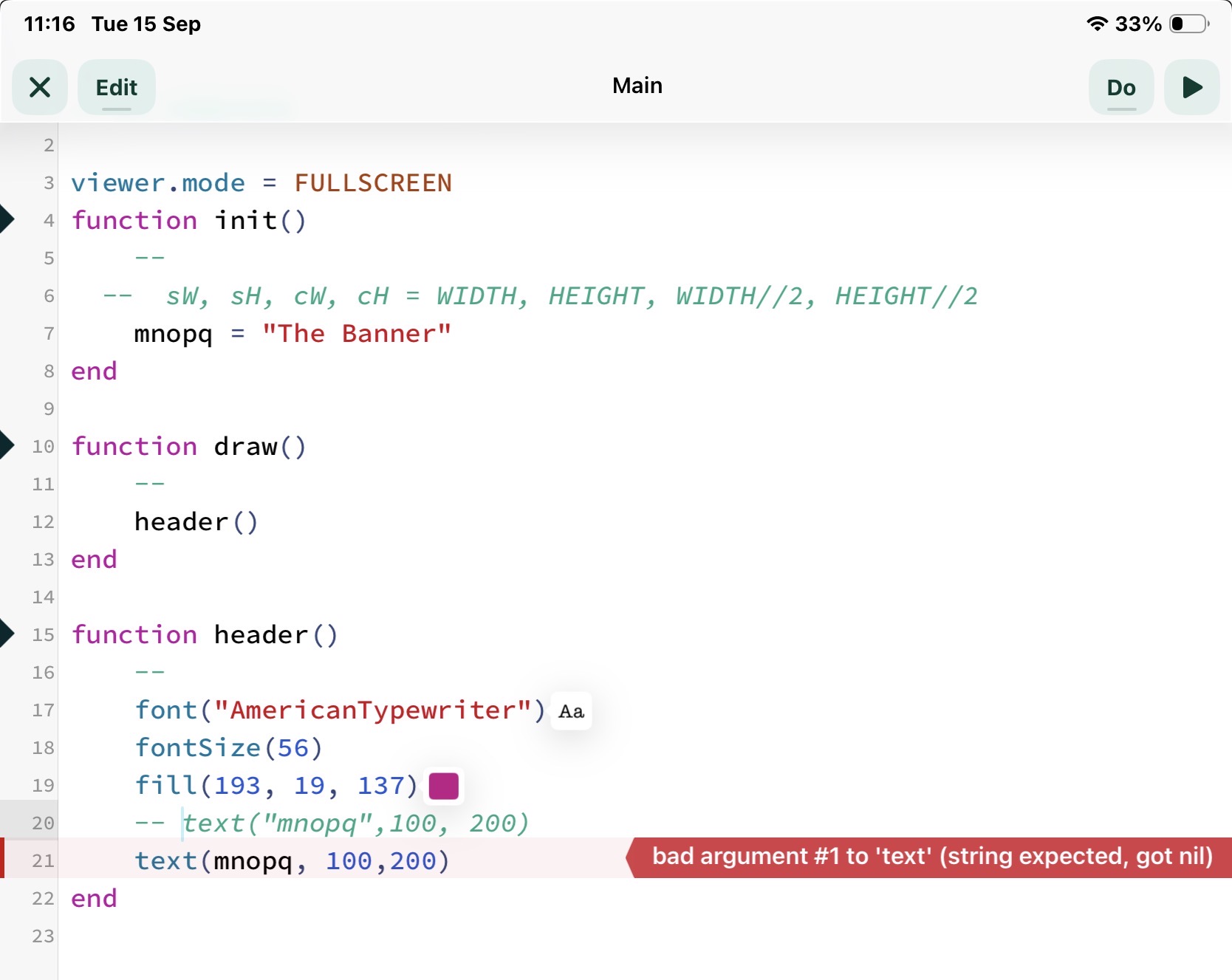
@sim, @jfperusse - I mentioned in another post that I have files spread over iPad, iMac, iCloud and network drive. I have been trying to tidy up my assets as there is duplication everywhere.
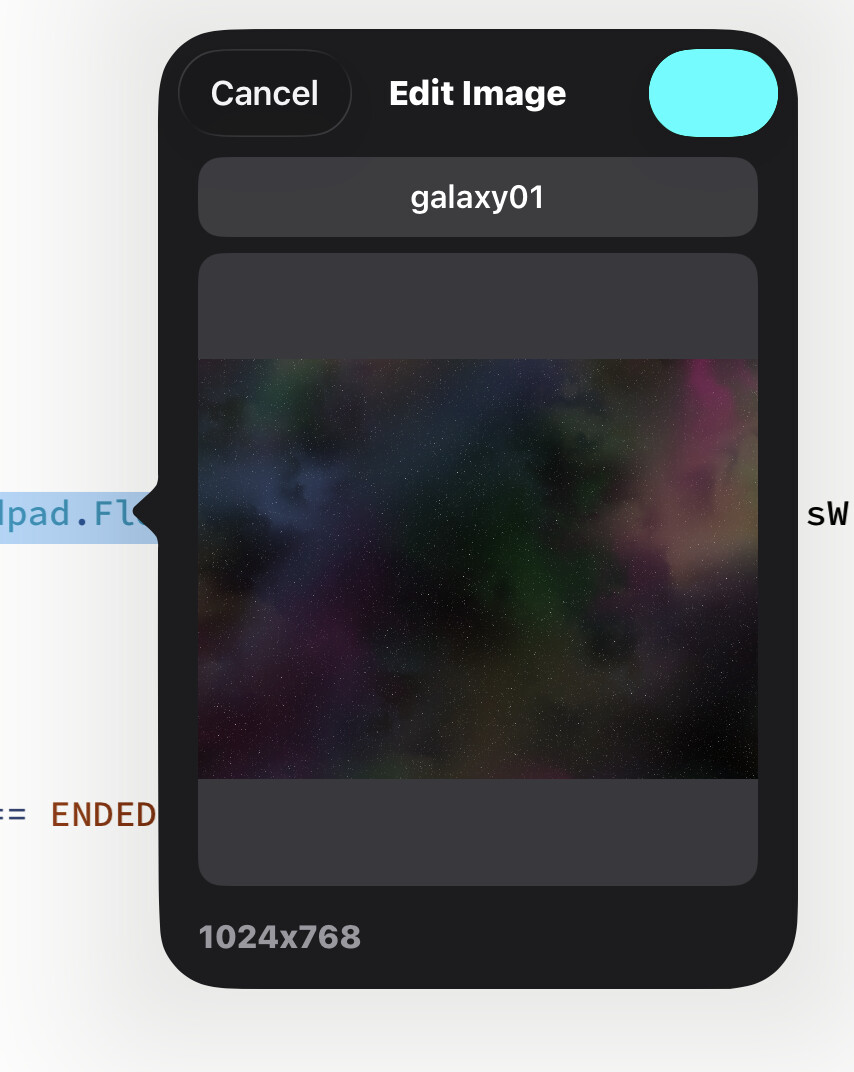
Whilst trying to link into a graphic image that I have on a networked drive I managed to select it (from the small explorer window that Codea provides) but after trying to download the link to it into my code the little window hung up on me (image attached).
This is probably due to incorrect addressing or not being able to access the storage.
Also, I find the small finder window in the latest version a little odd.
I will post an image of the locked finder dialogue.
Could you explain the principles of the finder window and describe the best/most convenient way to use it ?