Mini City in Craft — with Model Editor

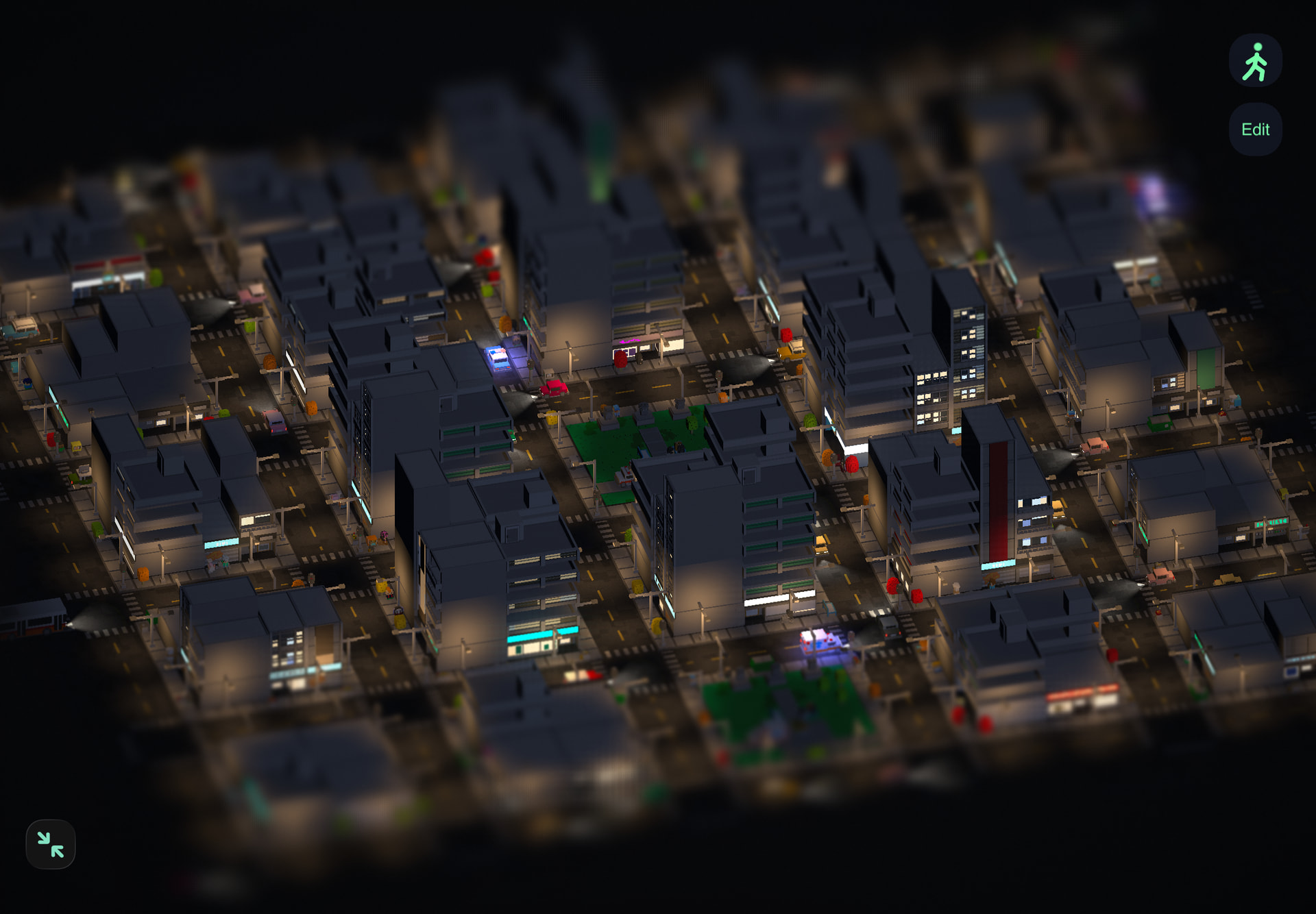
I had Claude reproduce all of Mini City in Craft (Legacy runtime).

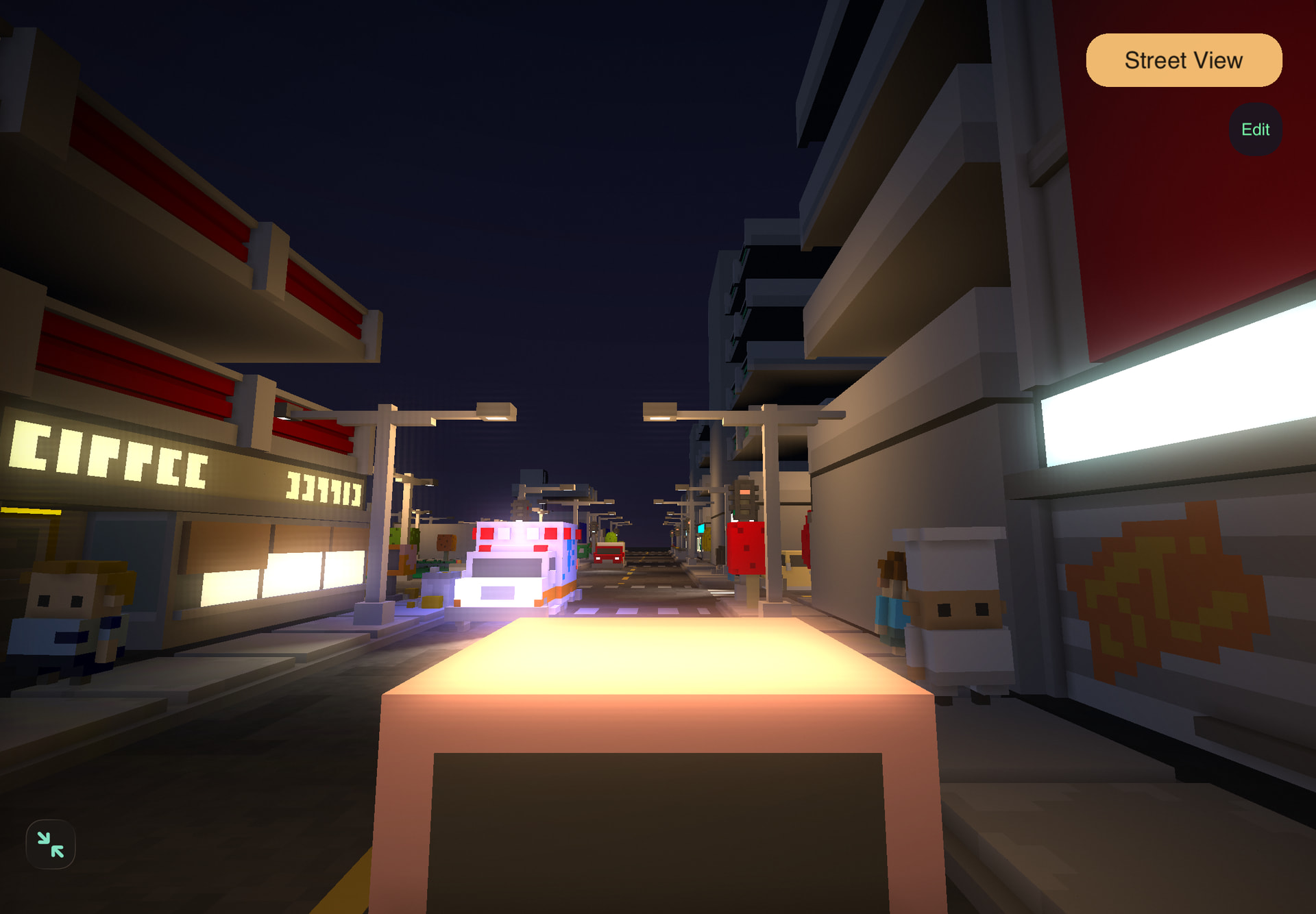
It looks reallllly close, it has all the models, but the lighting isn’t quite as good.

Why do it at all?

So I could add the model editor!

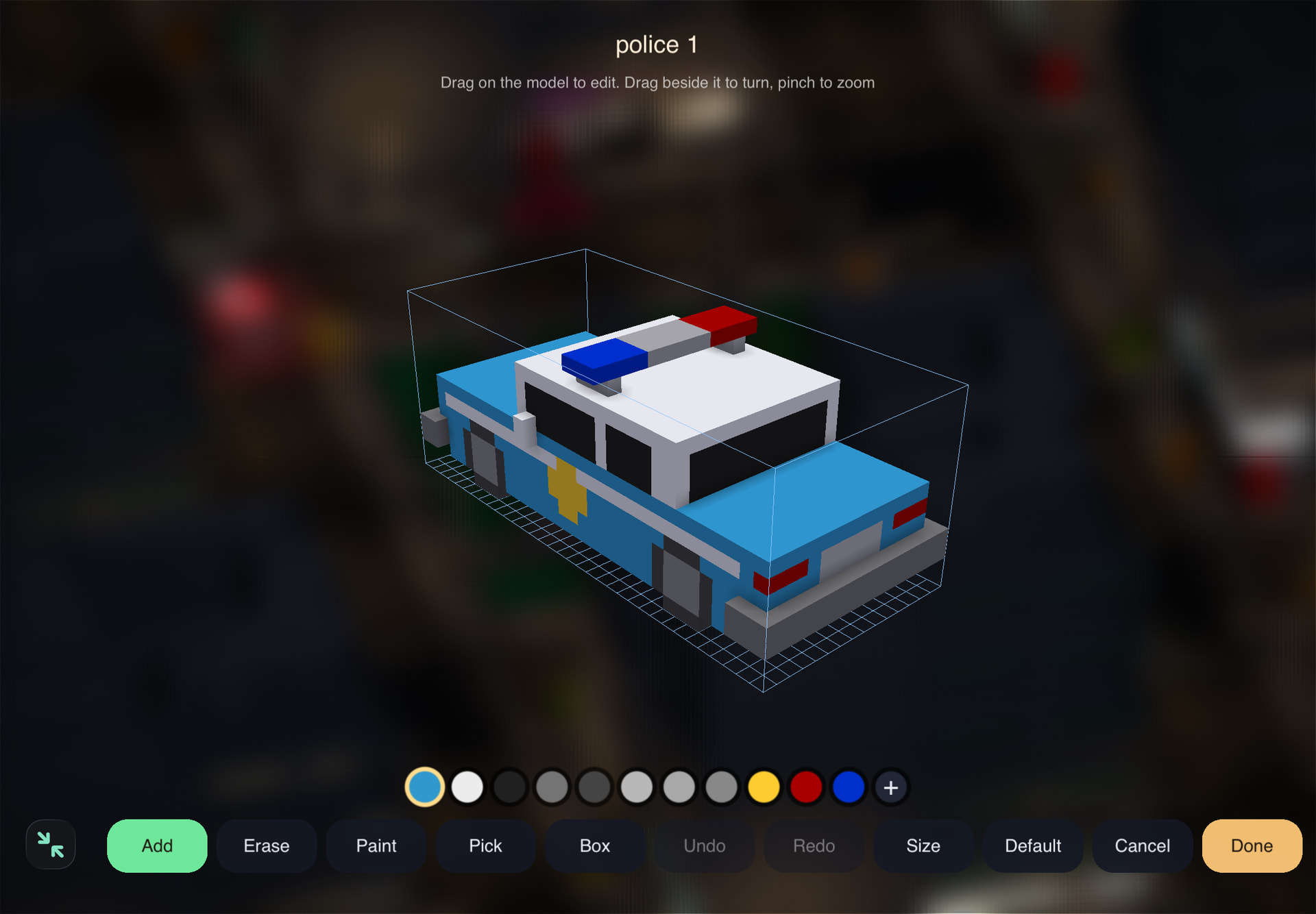
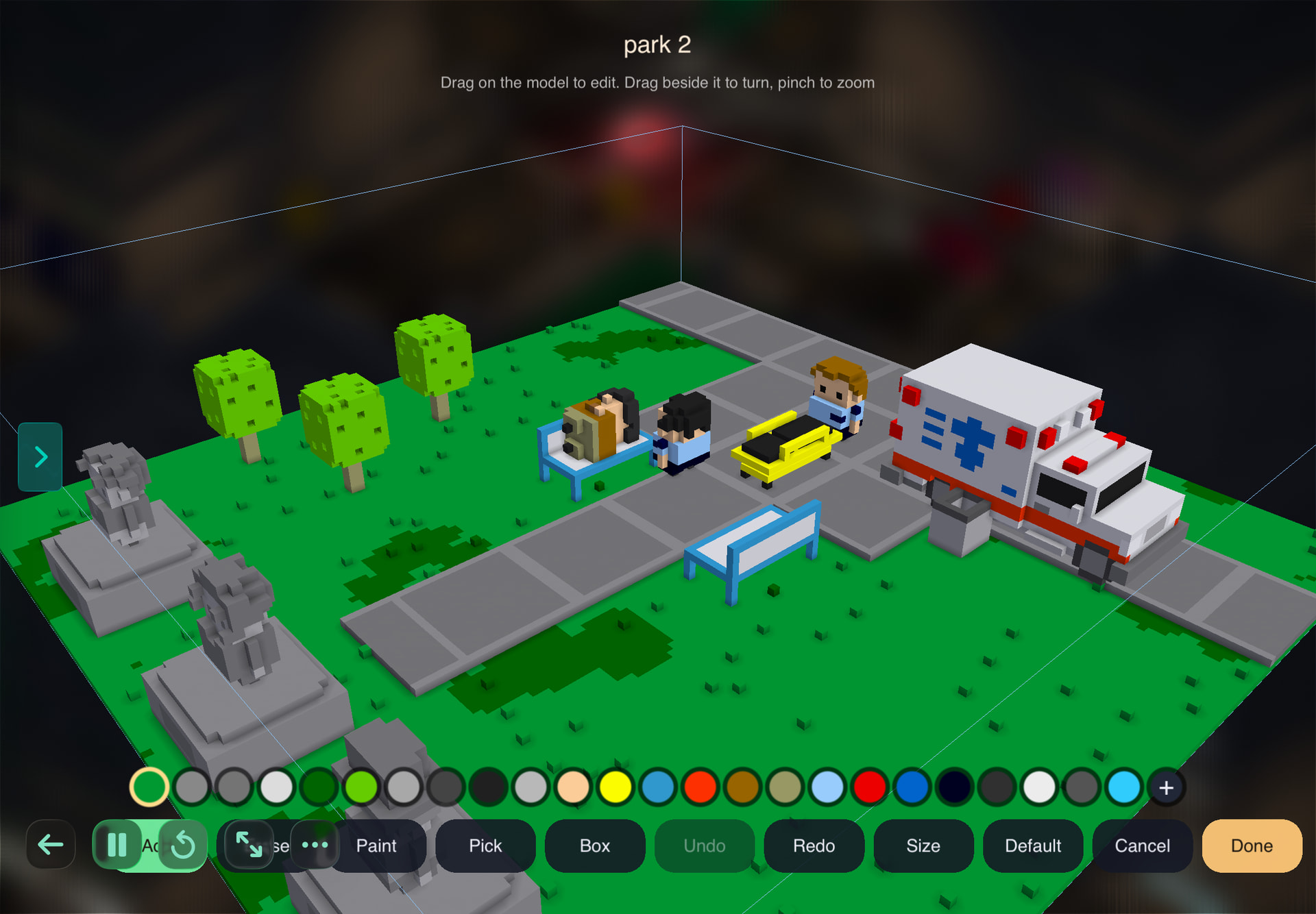
There’s now an edit mode where you can tap on any part of the city, including people, cars, and dogs, and edit them in a mini voxel editor.

Change the whole dang town if you want. And if you don’t like your changes, the editor lets you restore all the original models if you want.

EDIT: also this version is freaking tiny. It’s under 1 meg!

Craft Mini City.zip (535.7 KB)

1 Like

Project Night Cobra!

Under one meg! How??

This is super interesting - a model editor!

How does the performance compare? How did it load the models (afaik they are in vox format, which Craft doesn’t support?)

Is there a reason the editor can’t run in modern?

Looking into the size difference, it looks like the models were converted to cvox, which compresses the voxel models. Might be good to switch our official example to the same. Wonder if it impacts the load time…

Looks like Claude had to do a lot of Craft-hacks to get similar rendering appearance, but there is a lot for us to learn in this port. Thanks for doing it!

We’ll add model:copy() and model:assign() to make a voxel editor more efficient to write in Carbide (this allows something similar to Craft’s loadSnapshot / saveSnapshot for edits)

I couldn’t find documentation on the Modern implementation of voxels, and it looked like the terrain example was running the chunk-based voxels, so I didn’t know if voxel volumes were even a thing in Modern.

Wait is the froggy thing using voxels too? I just assumed it was regular craft models but if it’s using voxels that answers my question right there. D’oh!

Whose idea was the homeless guy and the ambulance in the park? Awesome.

That was the creator of the models - credits in the original version comments

Uploading the new docs shortly. Edit: Docs updated

Can’t yet do inner geometry on blocks, yeah? So no signs or railroad tracks yet? Don’t get me wrong—happy to get so much so fast as is.

Why can’t Claude read this link anymore? It claims “It builds its content with JavaScript after loading, so my page fetch only gets the empty “Loading chapter content…” shell.” But I’ve had it read it just fine in the past.

Yeah Claude is right. I’m going to add a fix for agents

You should now be able to point Claude here:

And we even have an agent-friendly markdown version, just replace .html with .md

https://codea.io/reference/modern/Voxels.md

Umm is that only for voxels? It would be good for Claude to be able to see the whole modern docs too :sweat_smile:

You can do it for any page in the modern docs. Go to Codea.io/reference pick a page and change it to .md

Claude:

I can open only the Voxels page so far. My web tool only fetches links that appear in the conversation, and every other page on that site is a relative link. The Modern reference also isn’t in search results; searches only turn up the old Legacy pages.
https://codea.io/reference/modern/UsingCodea.md
https://codea.io/reference/modern/Graphics.md
https://codea.io/reference/modern/Scenes.md
https://codea.io/reference/modern/Voxels.md
https://codea.io/reference/modern/Shaders.md
… and so on

Just go here: Codea Reference — click on any chapter, then change the .html → .md or click the “markdown” link at the bottom of the page

Right, but it would be best if it could read and use the index page itself. Then I give it one link and say “find X”.

1 Like

Try this for now (but it might get moved or deleted)
https://codea.io/reference/modern/index.md

I’ve updated the main link at Codea Reference to be more parsable for LLMs

1 Like