function setup()
    fill(104, 70, 32)
    strokeWidth(2)
end

function draw()
    background(147, 154, 187)

    local top, bottom = layout.safeArea.top, layout.safeArea.bottom

    -- horizontal guide lines (red)
    line(0, HEIGHT - top, WIDTH, HEIGHT - top)  -- top safe-edge
    line(0, bottom,        WIDTH, bottom)       -- bottom safe-edge

    local msg = string.format("layout.safeArea.top:%d  bottom:%d",
    top, bottom)
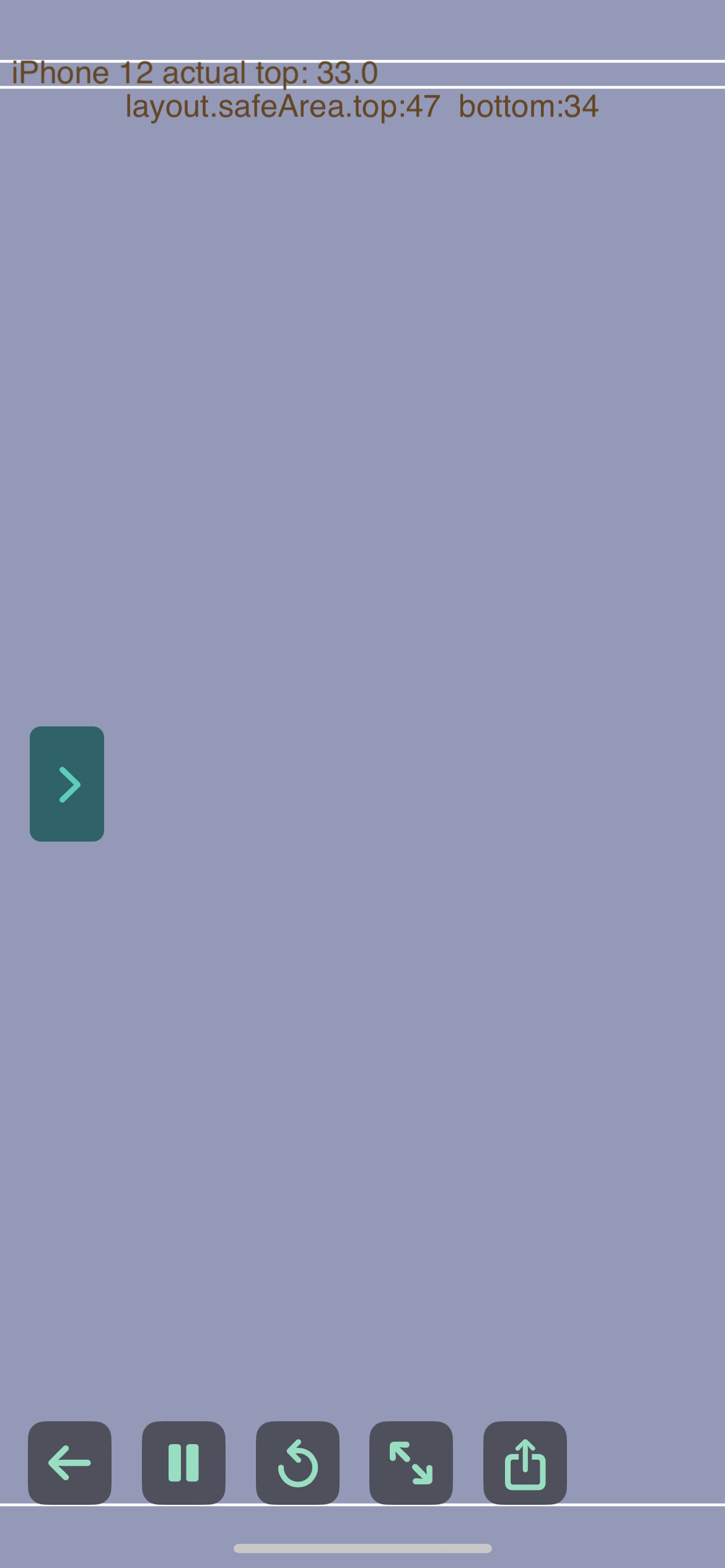
    text(msg, WIDTH / 2, HEIGHT - top - 10)

    local nudge = 14
    line(0, HEIGHT - top + nudge, WIDTH, HEIGHT - top + nudge)  -- top safe-edge
    text("iPhone 12 actual top: "..(top - nudge), 105, HEIGHT - top + 8)
end
…is there a way to get the accurate top safe area? The returned value overcompensates (see screenshot).