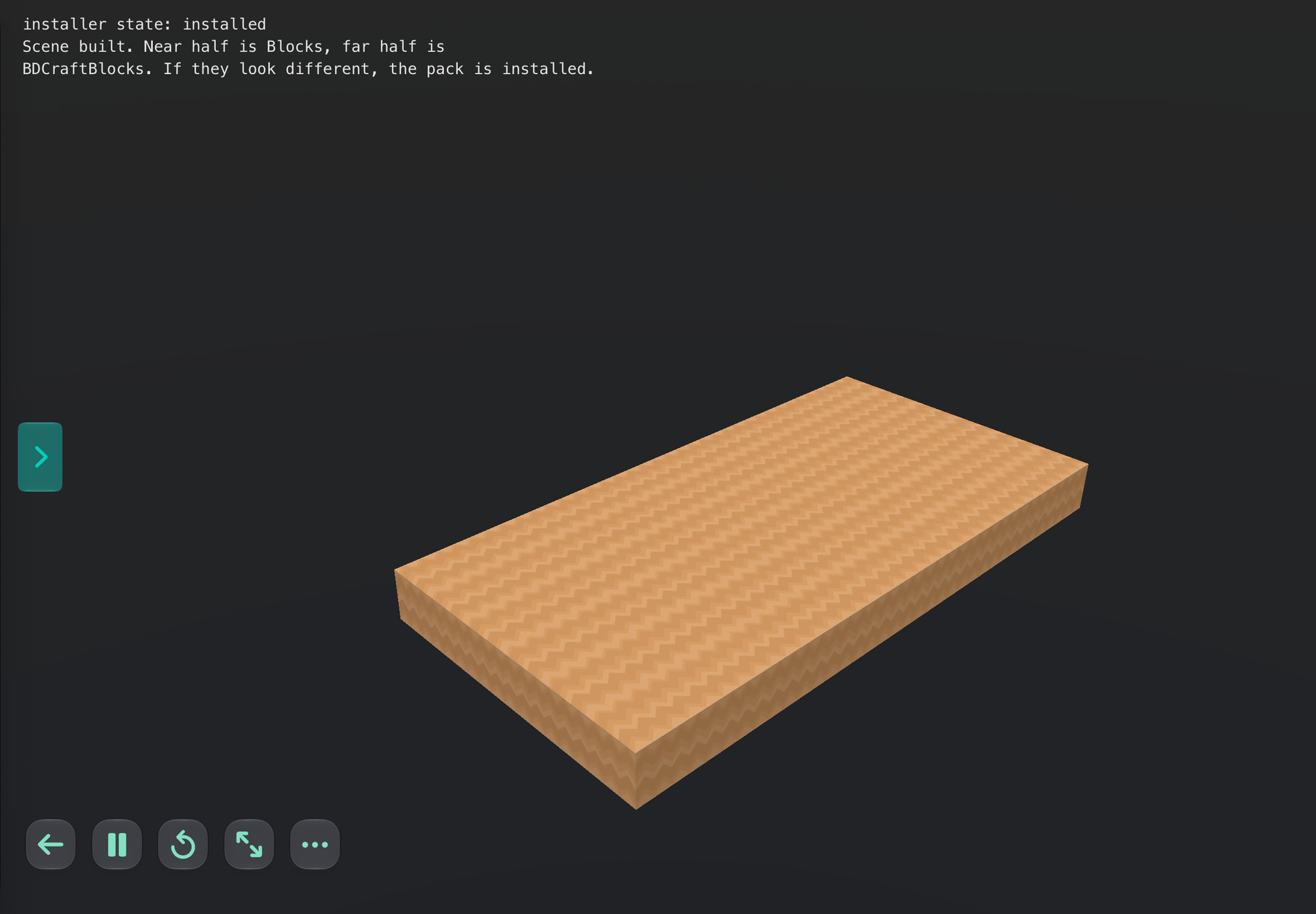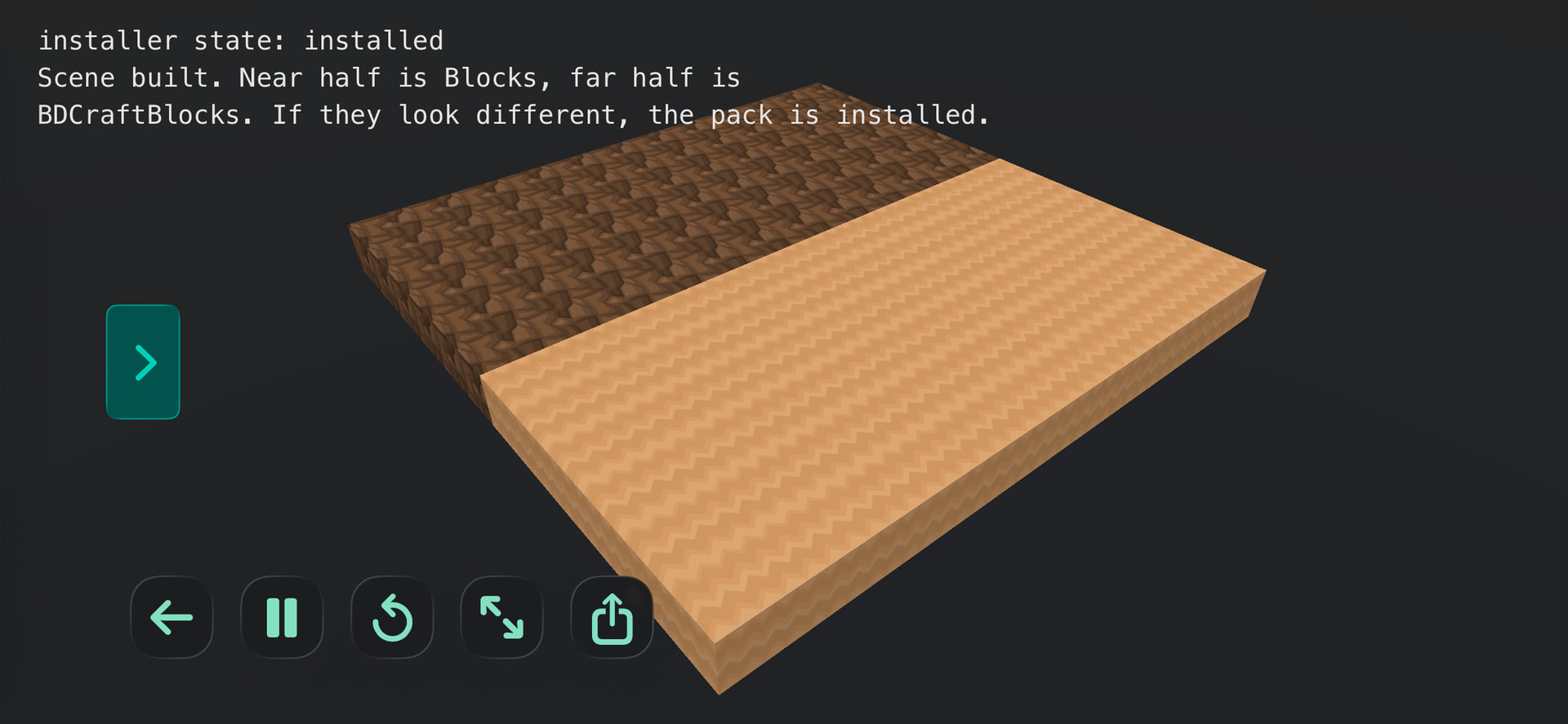
AssetInstaller.zip (996.7 KB)
This here will install an alternate voxel texture asset pack in your documents folder. It also demonstrates how to use it, even if just in a minor way.
This here will install an alternate voxel texture asset pack in your documents folder. It also demonstrates how to use it, even if just in a minor way.
@UberGoober I’m having trouble with the installer as I’m not seeing the newly installed blocks in either project. It’s claiming to be installed but when I swap in the other demo, everything disappears.
Is the folder BDCraftBlocks being created in your documents folder?
Ah—is this a project you’re storing in the cloud or locally? I don’t know if that makes a difference for save locations but it might.
I just tried moving the project to iCloud myself and it still worked.
It couldn’t be an iPad/iPhone thing could it? I’m developing on phone these days mostly. Or maybe it’s test build version?
I’m stumped. I can’t fix it if I can’t cause it. Can you give me any more ideas about how to cause the bug on my end?
Update: now has a “skip” button to allow not installing the textures if you don’t want to.
I’ll have a look into the project to see if I can figure it out. I was seeing the same on both phone and iPad.
Ok and can you confirm that:
…I’m really curious whether the issue is that the blocks aren’t installing or that the voxel engine isn’t finding them.
@sim is it working for you?
I don’t see the other textures though I have a BDCraftBlocks folder inside the project folder itself
Does it copy the assets into your documents folder when you agree to it?
And if not, is it obvious from the actual file command why not?
local ok, err = file.copy(self.source, self.dest)
I guess the other question is, if the assets folder does get installed in your documents folder, does the project show the alternate blocks after a full reboot of Codea?
No - it didn’t get copied to my documents folder. I’ll have to trace that line to see what’s happening
Any progress on this? Has anyone else tried it? I guess it doesn’t need saying but it works perfectly on my phone.

…Beuller?