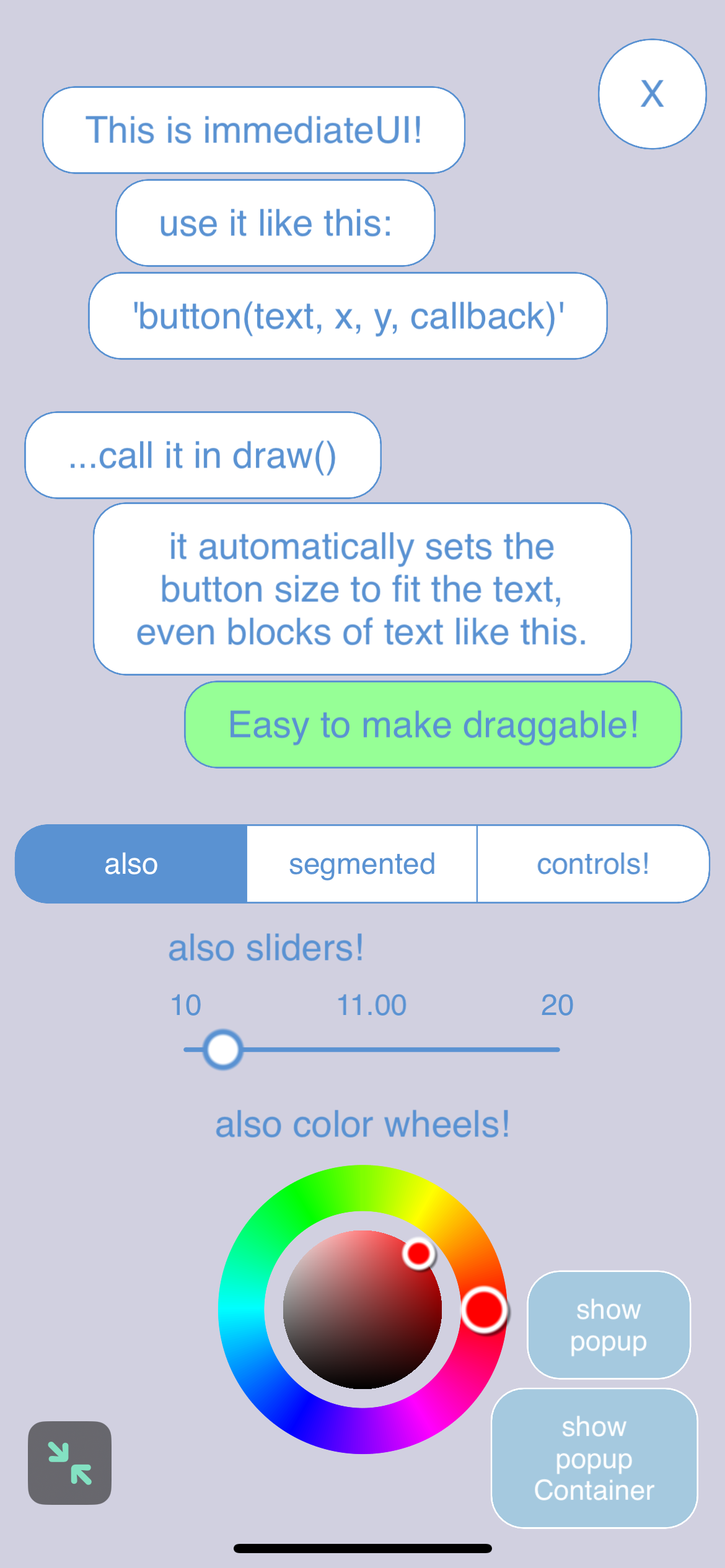
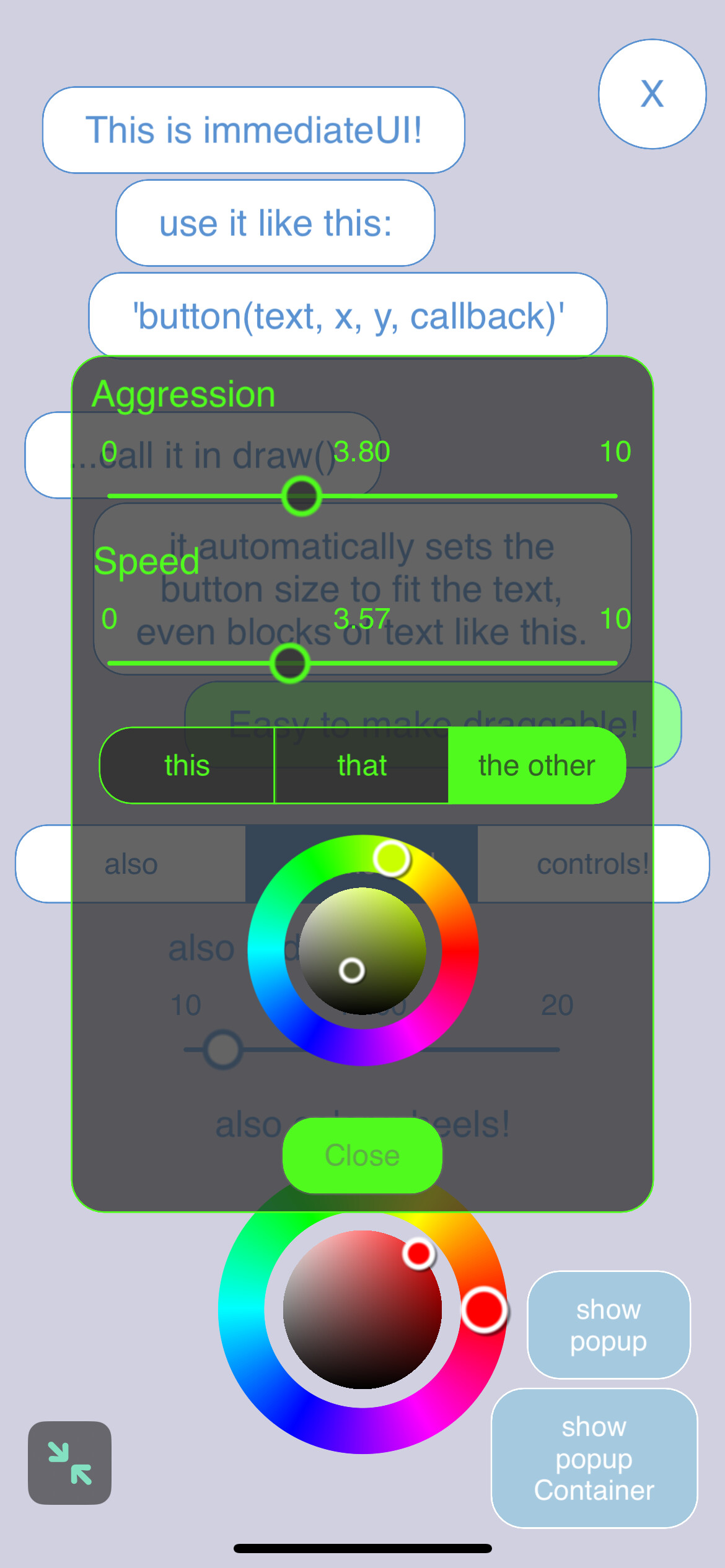
With the use of ChatGPT my pokey little immediateUI project can now draw color wheels and sliders with the same simplicity as Codea’s native 2D drawing functions.
The syntax for sliders is:
slider(name, x, y, width, min, max, initial, callback, optionalTextColorOverride)
The syntax for the color wheel is:
colorWheel(name, x, y, radius, callback)
Simply call them in your draw function and watch em work!
@UberGoober - the only thing I can think of, planning to tackle myself soon, is a rectangle with the top and bottom being sliders (small sphere as point locater on top and bottom line). Joining the controls with a line then enables you to specify limits to modify parameters - this is often used in image editors for changing the colour characteristics of an image such as changing a negative to a positive image for each of r, g and b.
@UberGoober if it is of interest, i adapted you colour wheel picker to work in the Soda UI framework. Thanks for making available your code. I also added displaying an image option to Soda.