I posted some of this code previously in another thread “can quats do anything?” to give a solution for some missing operations that can be available by default in other engines for quaternion multiplication and matrix conversions mathematics.
For quaternion multiplication/conversion in Codea currently, a few mathematical functions need to be implemented depending on what’s wanted/needed. Which can be a bit tricky to remember or get your head around to begin with, if you haven’t encountered this sort of maths much before. For myself I find having multiplication operator support easier than not when it comes to rotations. So I worked out a technique similar to this originally in craft, to support quaternion multiplication by overriding the quat userdata’s lua metatable.
Since the Modern Codea API was released into beta I have been working on a little library, mainly just to make my development workflow a little bit easier when experimenting with Modern. Mostly based upon older Craft projects implemented with the Legacy API.
As the extensions classes were part of this library I thought I’d post the full version of the library here too which has a couple of other useful bits of generic functionality for any game and coding generally with the Modern API. Plus also ports of FirstPersonViewer and OrbitViewer for Modern from the Craft Cameras example/library. It can be used as a more or less drop in replacement for this Craft dependency, while the Touches example/library appears to work still as-is. So Touches is also included as a dependency automatically. I use this library as a base dependency for starting any 3D Modern Codea project. Everything that it contains is meant to be for more or less any game / project.
I’ll give an overview and discuss some of the code in a bit more depth too, a zip of ModernLibrary as a Codea project is at the end of the post.
ModernLibrary Overview/Features
- Extensible class based API extensions mechanism, added as initial setup call, which are also per-project configurable, if desired.
- Adds a generic type detection function
type.is(var, type)for determining userdata, classes and instances within inheritance hierarchies. - Adds a couple of basic math functions
math.round(value), for a mid-point rounding shortcut for doubles/floats, andmath.sign(value, sign)to copy signs, which is required for one of the quaternion conversions. - Adds some extra string manipulation and comparison shortcuts,
string.contains,string.startswith,string.endswith,string.replaceandstring.insert - Adds full quaternion multiplication operator support to
quat, forvec3,mat3andmat4. - Adds bi-directional quaternion to matrix conversion functions,
quat.mat3,quat.mat4,mat3.quatandmat4.quat - Overrides
scene.entity(scene:enity) to allow creation from a classscene.entity(MyEntityClass, args …), expecting a class init function likefunction MyEnitity:init(entity, args …). Returning then the class instance the same way a Craft/Legacy entity component is returned fromentity:add. - Overrides
entity.addto allow adding components Craft/Legacy styleenitity:add(MyComponent, … args), expecting a class init function like,function MyComponent:init(entity, args …) - Minimal changes ports of Crafts
OrbitViewerandFirstPersonViewerfor Modern. An important note is coordinates orientation/handedness is different between Craft and Modern which isn’t necessarily accounted for (to keep them as close as possible to the Craft example/library as reference).
Usage/Examples
Firstly to get started, download the ModernLibrary zip and import it to Codea. Add it as a dependency to your project, then add a require for ModernLibrary and call extensions.setup from setup.
require(asset.documents.ModernLibrary)

function setup()
    extensions.setup()
    scene.main = scene.default3d()
end
Combined entity, components and quaternion multiplication extensions example.
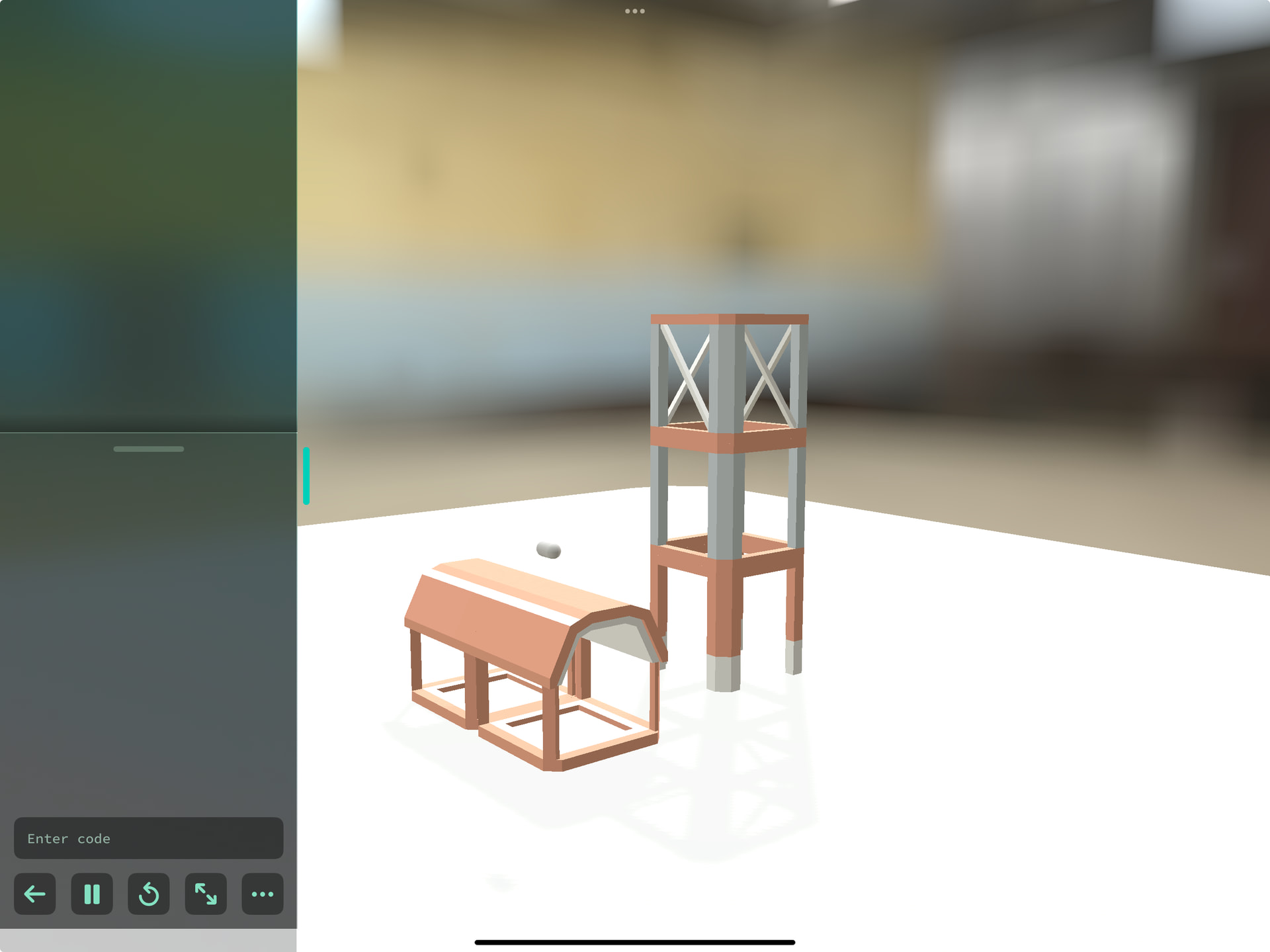
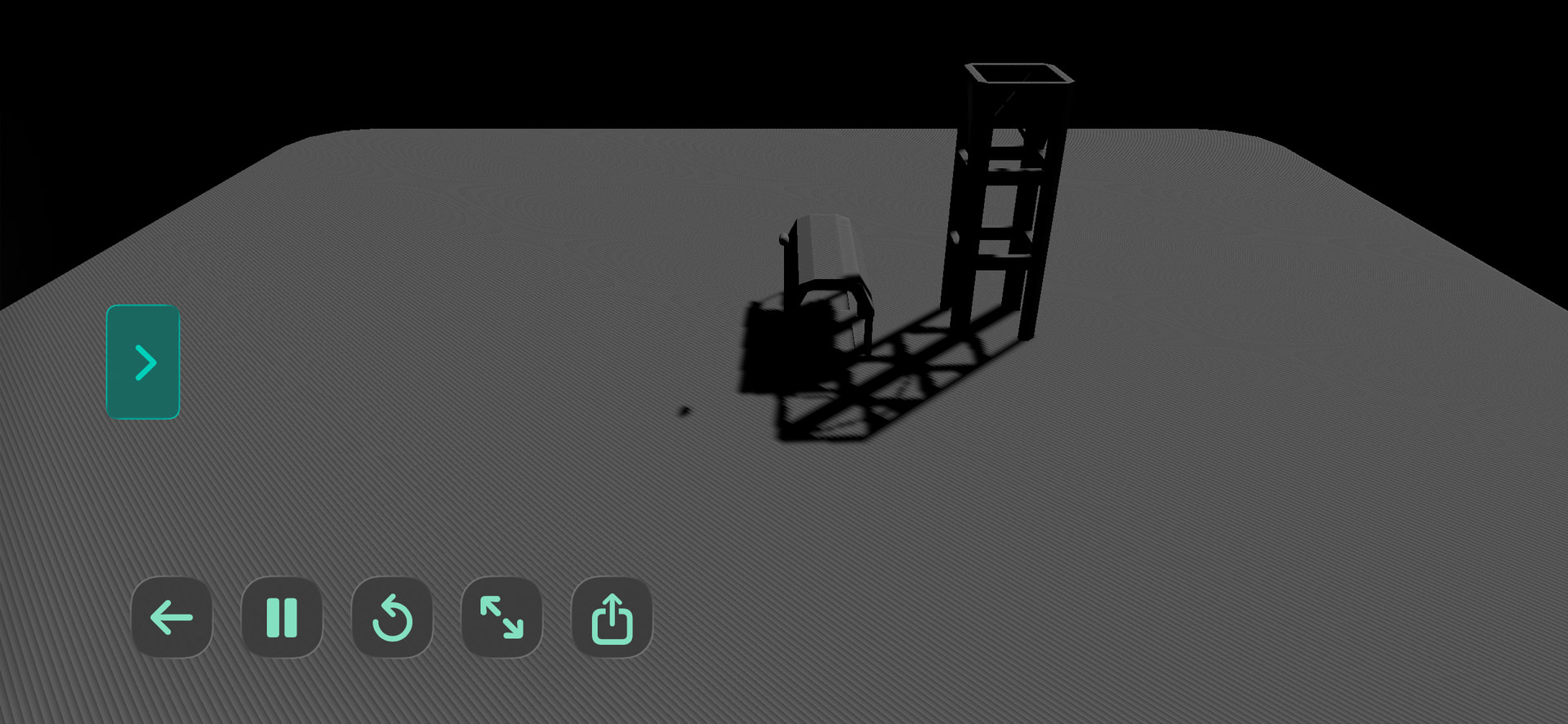
Making multi-part buildings from multiple assets positioned by a single parent entity.
For this example there are a few Component classes needed to put it together. Firstly, we need to represent a Building as an entity, containing multiple BuildingPart instances. Which are the individual assets positioned based on the overall Building entities position and rotation as the parent entity.
Building = class()
function Building:init(entity, parent, parts)
    self.entity = entity
    self.entity.parent = parent
    self.parts = parts or {}
end

function Building:add(assetKey,...)
    local part = scene.entity(BuildingPart,self,assetKey,...)
    table.insert(self.parts,part)
end

BuildingPart = class()
function BuildingPart:init(entity, building, assetKey, pos, rot)
    self.entity = entity
    self.building = building
    self.entity.parent = building.entity
    self.mesh = mesh.read(assetKey)
    self.bounds = self.mesh.bounds
    self.size = self.mesh.bounds.size
    self.halfSize = self.size / 2
    self.entity:add(self.mesh)
    self.pos = pos or vec3(0.5,0,0.5)
    self.entity.position = self.pos * self.size
    if rot then
        if type.is(rot, vec3) then
            rot = quat.eulerAngles(rot:unpack())
        end
        self.entity.rotation = rot
        self.entity.position = ((self.pos * self.size) - self.halfSize) * rot + self.halfSize
    end

end
You may note that these classes use the extensions to quat multiplication and type.is. They are designed as components classes, similar to how they would be for craft except using the Modern API functions. It’s common in games that components can represent both full entities / types of entity, specific entities and also partial pieces of functionality or more abstract behaviours. Generally as individual/reusable units within the game they are designed.
To help make a more specific building now from these classes and introduce some assets, we create another component class and add a Building component and BuildingPart components with the Building:add shortcut function. The assets here are just from the built in SpaceKit asset pack.
HomeBase = class()
function HomeBase:init(entity)
    self.entity = entity

    self.hq = scene.entity(Building, self.entity)
    self.hq:add(asset.builtin.SpaceKit.buildingOpen_obj, vec3(1,0,1), vec3(0,0,0))
    self.hq:add(asset.builtin.SpaceKit.buildingOpen_obj, vec3(1,0,2))
    self.hq:add(asset.builtin.SpaceKit.metalStructureBottom_obj, vec3(3,0,1.5))
    self.hq:add(asset.builtin.SpaceKit.metalStructure_obj, vec3(3,1,1.5))
    self.hq:add(asset.builtin.SpaceKit.metalStructureCross_obj, vec3(3,2,1.5))
end
The arguments are Building:add(assetKey, position, rotation), which adds a BuildingPart entity and sets the parent to buildingComponent.entity where assetKey is any project model asset, position is a vec3 position relative to the Building and rotation may be a quat or vec3 x,y, Euler angles (as if passed to quat.eulerAngles).
We also need a Player component so we can have a view with a camera we can control to look around our more complex building. Adding the ported orbit viewer to the scenes camera component we obtain through the entity.
Player = class()
function Player:init(entity)
    self.entity = entity
    self.scene = entity.scene
    self.viewer = self.scene.camera:add(OrbitViewer, vec3(0,0,0), 100, 2, 200)
    self.viewer.rx = 30
end
Then finally to show a HomeBase entity on screen that we can see, we simply create one as follows in setup also adding with our quick Player as another entity.
function setup()
    extensions.setup()
    scene.main = scene.default3d()

    player = scene.entity(Player)
    home = scene.entity(HomeBase)
end
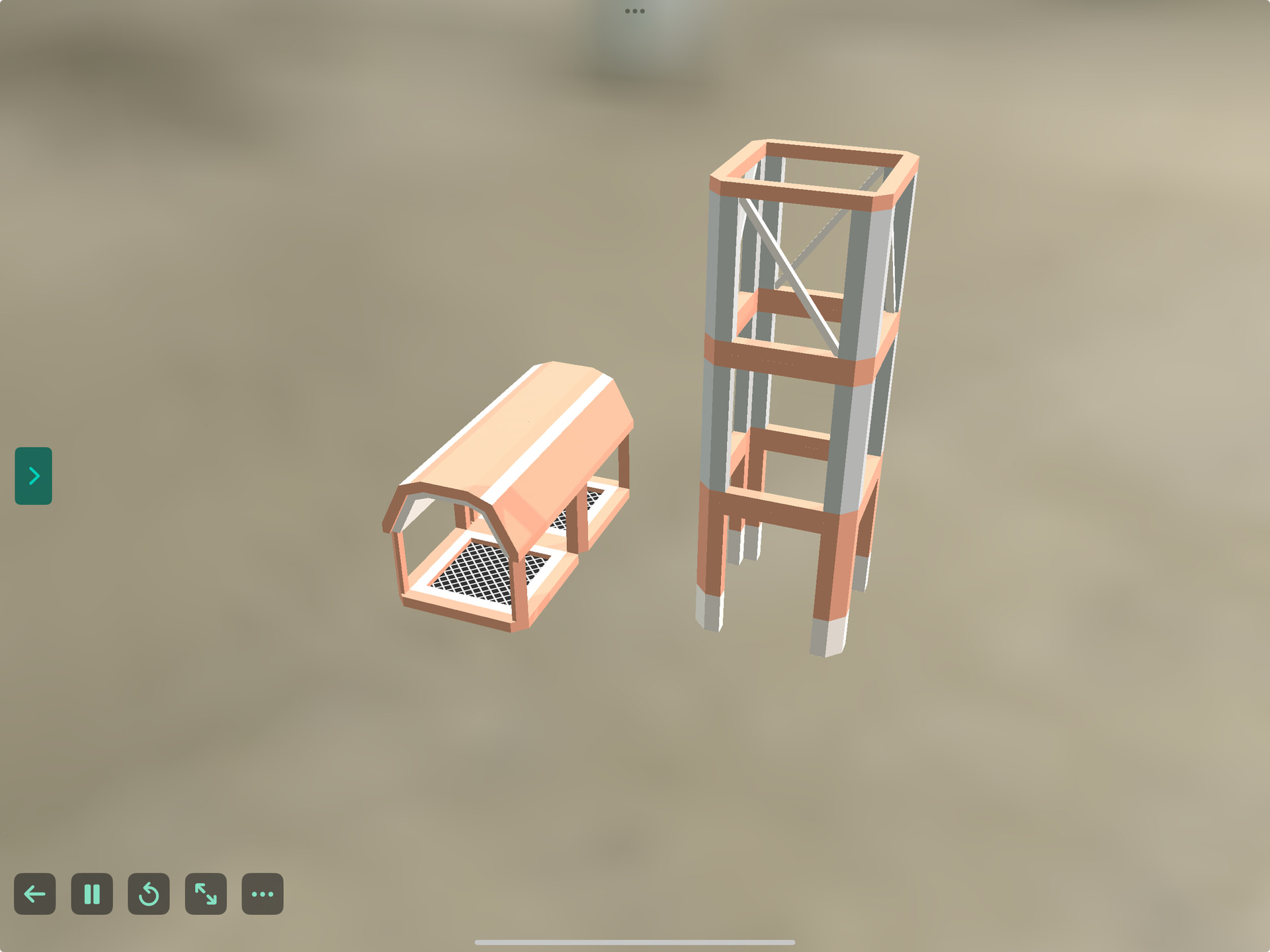
Thescene.entity function here simply creates a new entity and the component instances, then adds the component and returns back the new component instance. Just like entity:add both with these extensions and in Craft.
It is important to note that it is not the entity that is returned with this scene.entity variant. The standard Modern API is otherwise left alone and works as documented otherwise. I made this as a trade off for convenience when typing to create entities and access functionality from a primary component in a single line. As I mainly prod at an iPad screen generally. So I felt for my typical use I can make the entity available from ComponentClass.entity or another name provided its set it in the component initialiser as above.
However this whole library is really just designed as a starting point and to be hacked about and extended too. So you can just modify the scene.entity extension function in the Extensions tab in ModernLibrary’s code. Rename it as you like and add more tools as you make them and discover things. Or find you feel you would like to have more instance functions on userdata, lua types, Codea APIs or extend almost anything in Codea fairly unobtrusively then this library can help and be adjusted to your needs.
A note on the philosophy is it’s not meant to be huge library, rather just a collection of some extra basic fundamentals that can simplify some development. To then be able to focus more on making games and experimenting mechanics. Then be tinkering with the more of the supporting/underlying ‘software’ functionality.
Most of the functionality works by either just declaring new code or extending with direct replacements approaches such as function hooking or metatable manipulation and _G.
A entensions.hook function is provided so you may hook functions yourself. To do this you just need to write a wrapper like:
some.func = extensions.hook(function(base, …)
  -- your custom behaviour
  return base(…) -- (optional call base)
end
An extensions.replace_global(name, value) is also provided for manipulating and recording changes to _G . Technically these could be undone later too from this although it isn’t implemented.
To create new extensions a specific extensions.extension function shortcut is provided to automatically register class based extensions with extendions.setup. Otherwise classes and functions can be added manually with extensions.register.
An extension class should look as follows for example MathExtensions. Initialisers / initis not used, instead ExtensionInstance:setup is called if the extension is a class. Otherwise function extensions added with extensions.register are simply called once.
MathExtensions = extensions.extension()
function MathExtensions:setup()
    math.round = function(value)
        local v = math.floor(value)
        local d = value - v
        if d < 0.5 then
            return v
        end
        return math.ceil(value)
    end
    math.sign = function(value, sign)
        if (sign < 0 and value > 0) or (sign > 0 and value < 0) then
            return -value
        end
        return value
    end
end
Finally specific extensions can be included or excluded with a table or parameter list passed to extensions.setup (default is include, for exclude use table with an config.exclude table member).
In any case without further waffling, here’s the library. I would love to hear thoughts if you try it and also see what games you may create in Codea 4 beta / Modern API whether it’s with or without this!
ModernLibrary.zip (9.3 KB)


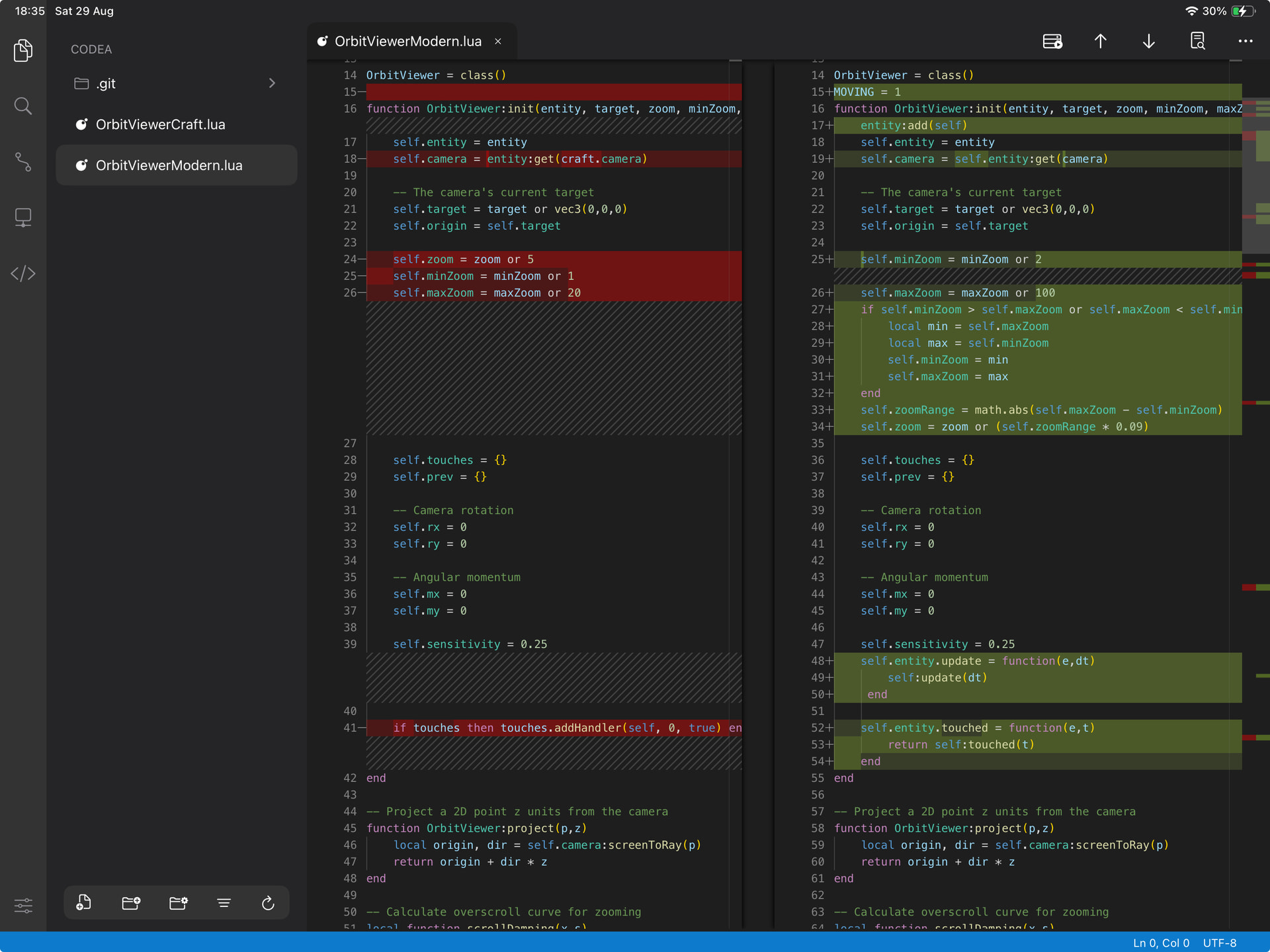
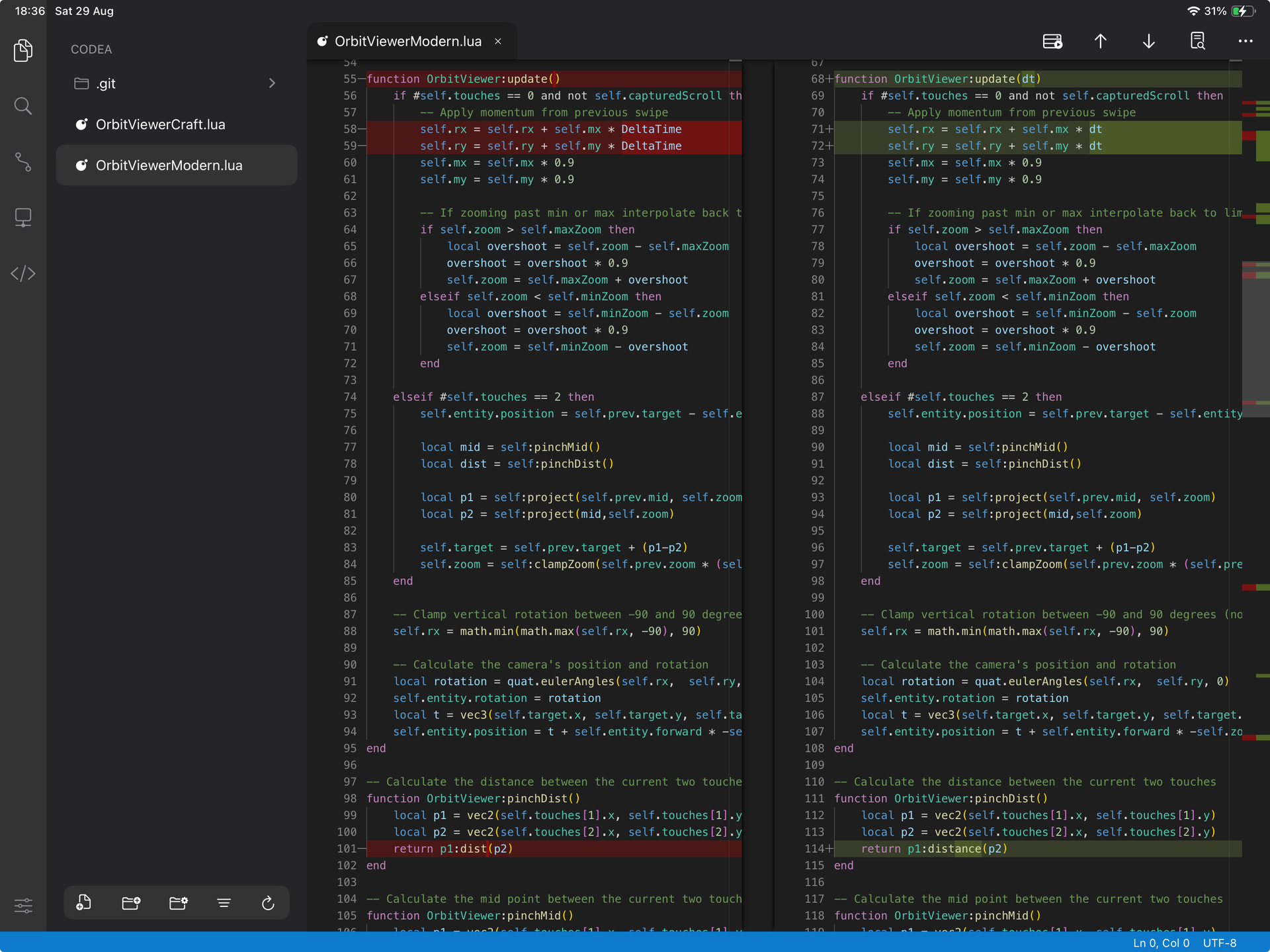
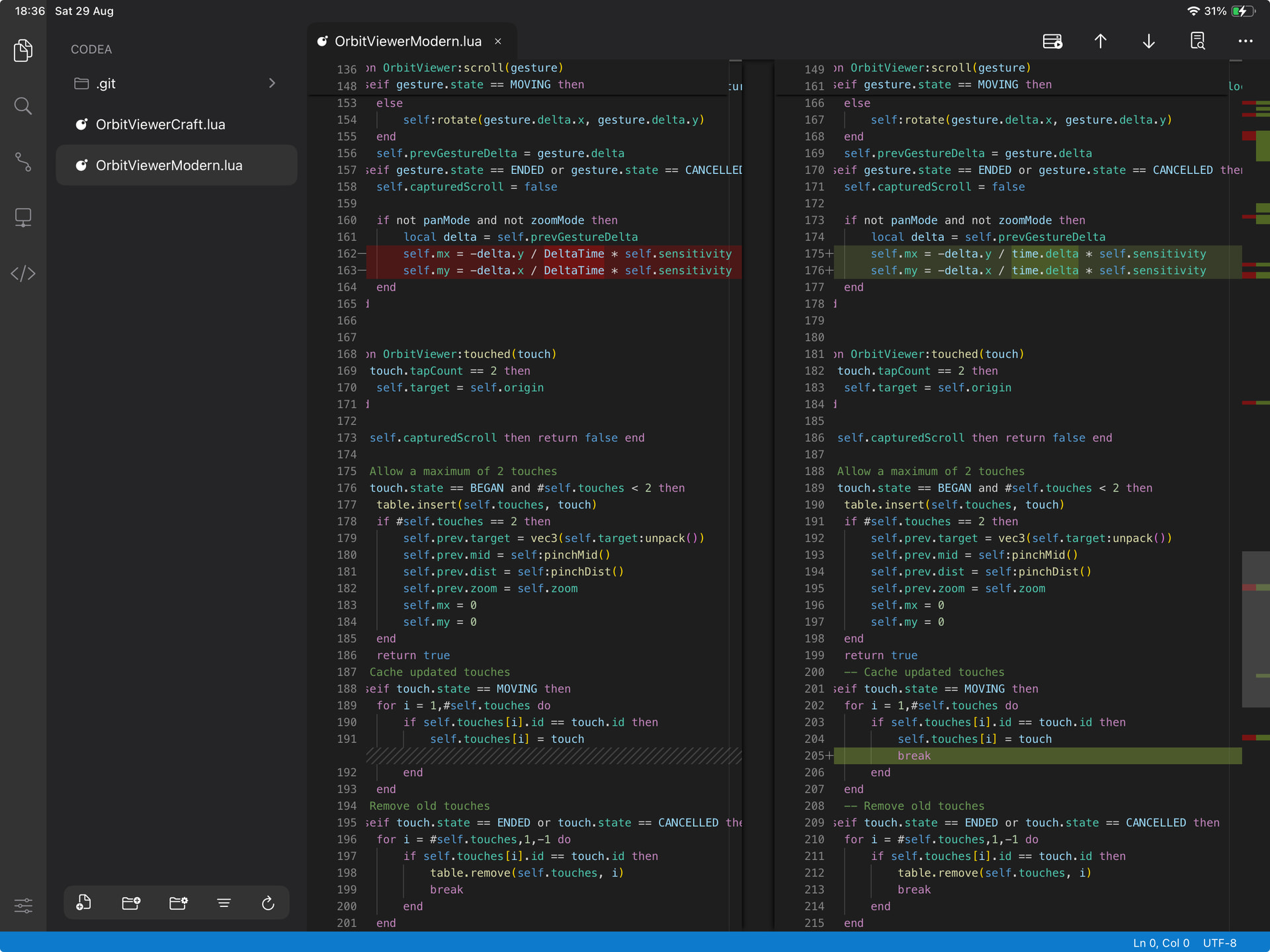
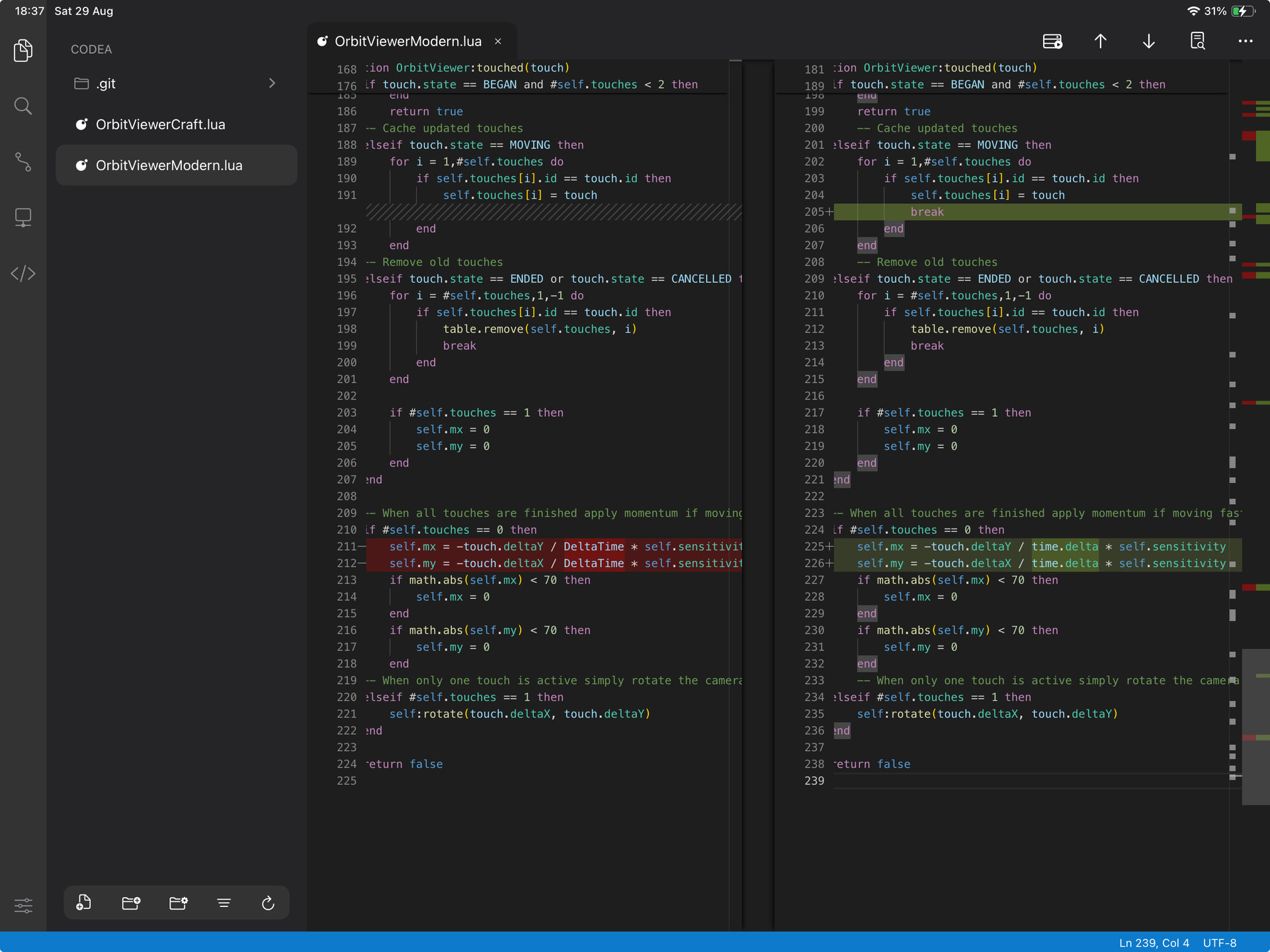
 ). The current API docs that are there aren’t unhelpful, and I can generally track down the info I need at the moment through various means. However it would be awesome to be able to reference and look up everything in Modern too from the docs, although I know this can take a great deal of time too. So really I’d say I would like to understand the Modern API more overall. Then from this it would possibly lead me to being able to find more little difficulties/opportunities to shorten my having to be typing from an on screen keyboard haha. (This is deliberate though so I don’t feel like I’m on a pc/laptop all the time
  )
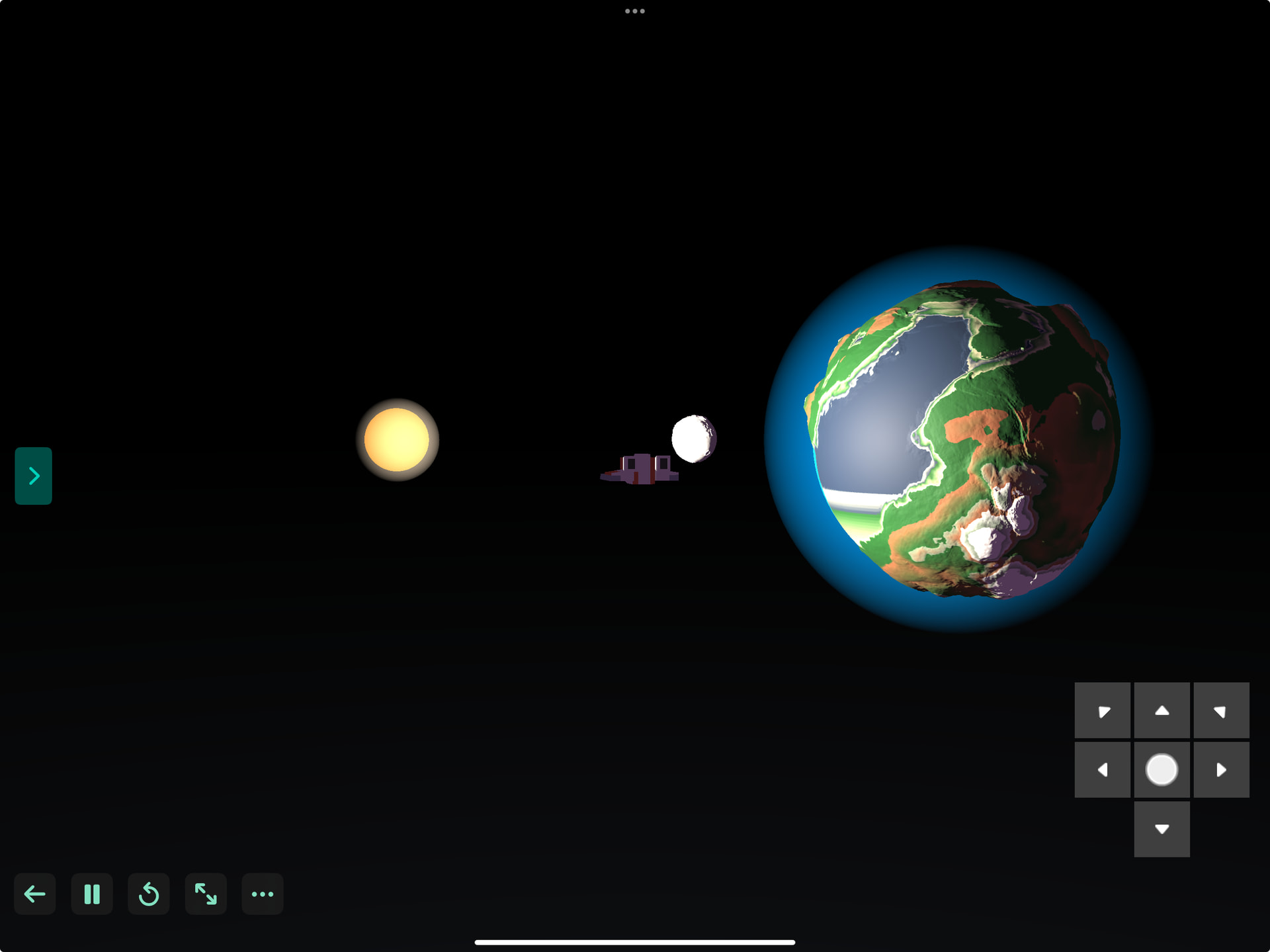
)
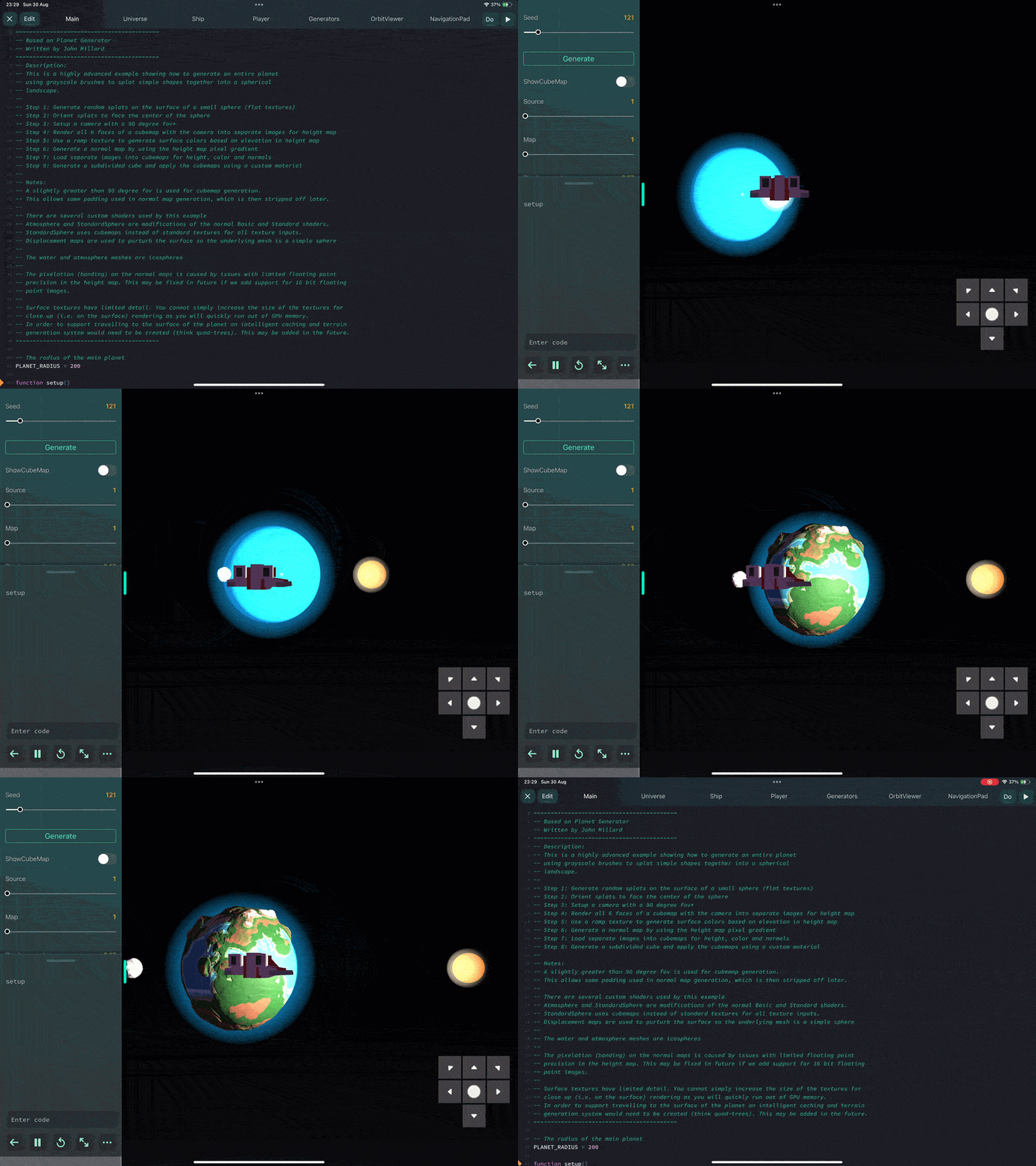
 I didn’t think I could do this, not sure how I came to that conclusion though. I’m possibly working from earlier knowledge or I misunderstood the documentation perhaps